Finding Product-Market Fit by Transforming a Typing App into a Modern Learning Platform
A data-driven journey from gamified typing practice to an educational platform teaching essential life skills
Project Overview
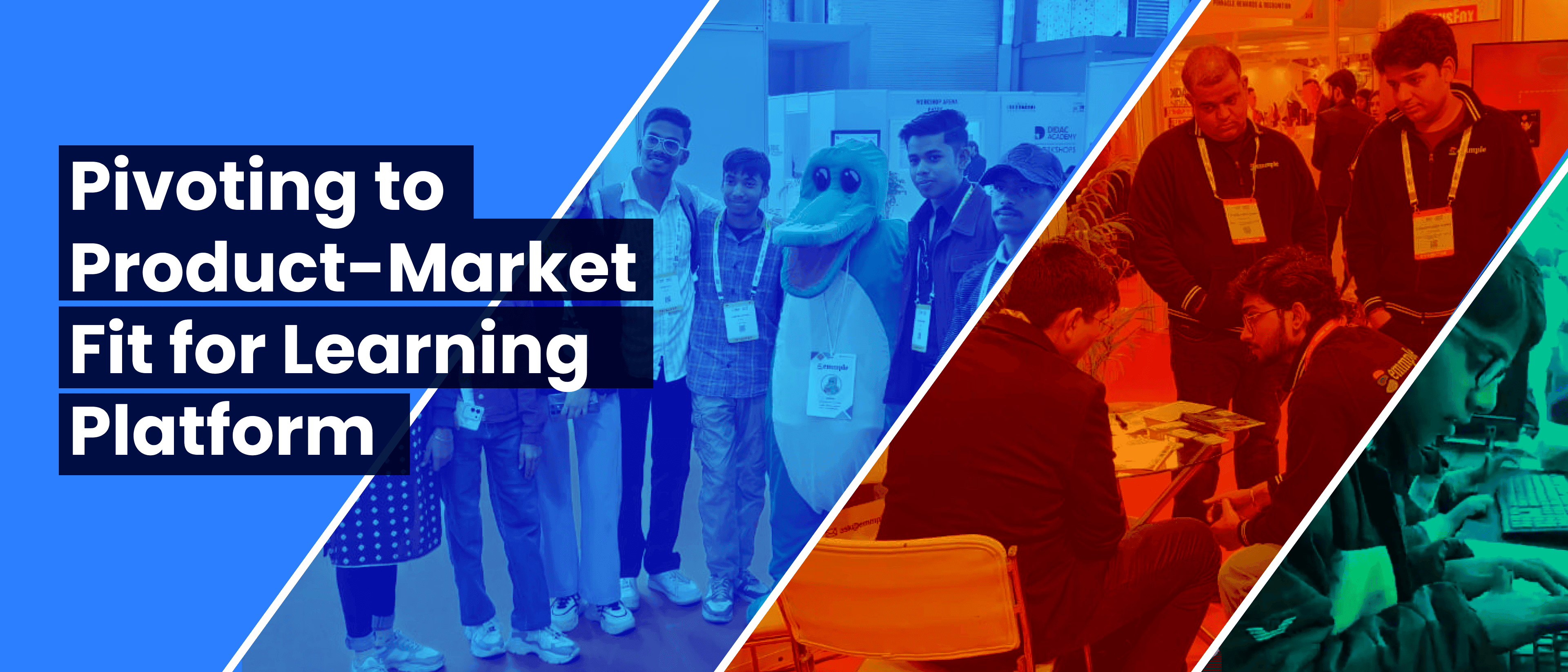
Typezap began as a gamified touch-typing platform designed to help children develop typing skills in a fun, interactive way. While early testing showed kids enjoyed the typing experience, insights from parents and schools revealed typing alone wasn't compelling enough to make them invest long-term.
This led to a data-driven journey of evolving Typezap into a platform focused on essential but often-overlooked subjects, positioning it as a modern educational solution. The project included extensive research, multiple phases of user testing, and continuous iteration—each decision shaped by real feedback and grounded in the goal of achieving product-market fit.
Team size: 14 (Including developers, designers, product owner)
My Role
Product Designer
As the Product Designer on the team, responsibilities included:
- •Leading the design strategy, from initial concepts to production-ready interfaces.
- •Establishing a scalable design system with reusable components for consistent user experience.
- •Designing the platform's visual identity, including color systems, typography, layouts, and interaction feedback.
- •Creating the mascot Leorio, developing its character and integration into the platform.
- •Conducting research and user testing, analyzing behavior and feedback from both online campaigns and live events.
- •Working in close loop with developers to translate design iterations into fast, responsive releases.
Initial Idea & Design Foundations
The first concept aimed to make touch-typing engaging for kids through gamification and playful visuals. To achieve this:
- A bright, energetic color palette balanced fun with readability.
- Rounded, legible typography (Mulish and Chivo) created a friendly and playful look, with Roboto Mono used for the typing interface.
- An 4pt grid system with consistent spacing supported quick iterations and scalable updates.
- Micro-interactions and subtle animations were integrated to provide responsive, satisfying user feedback.
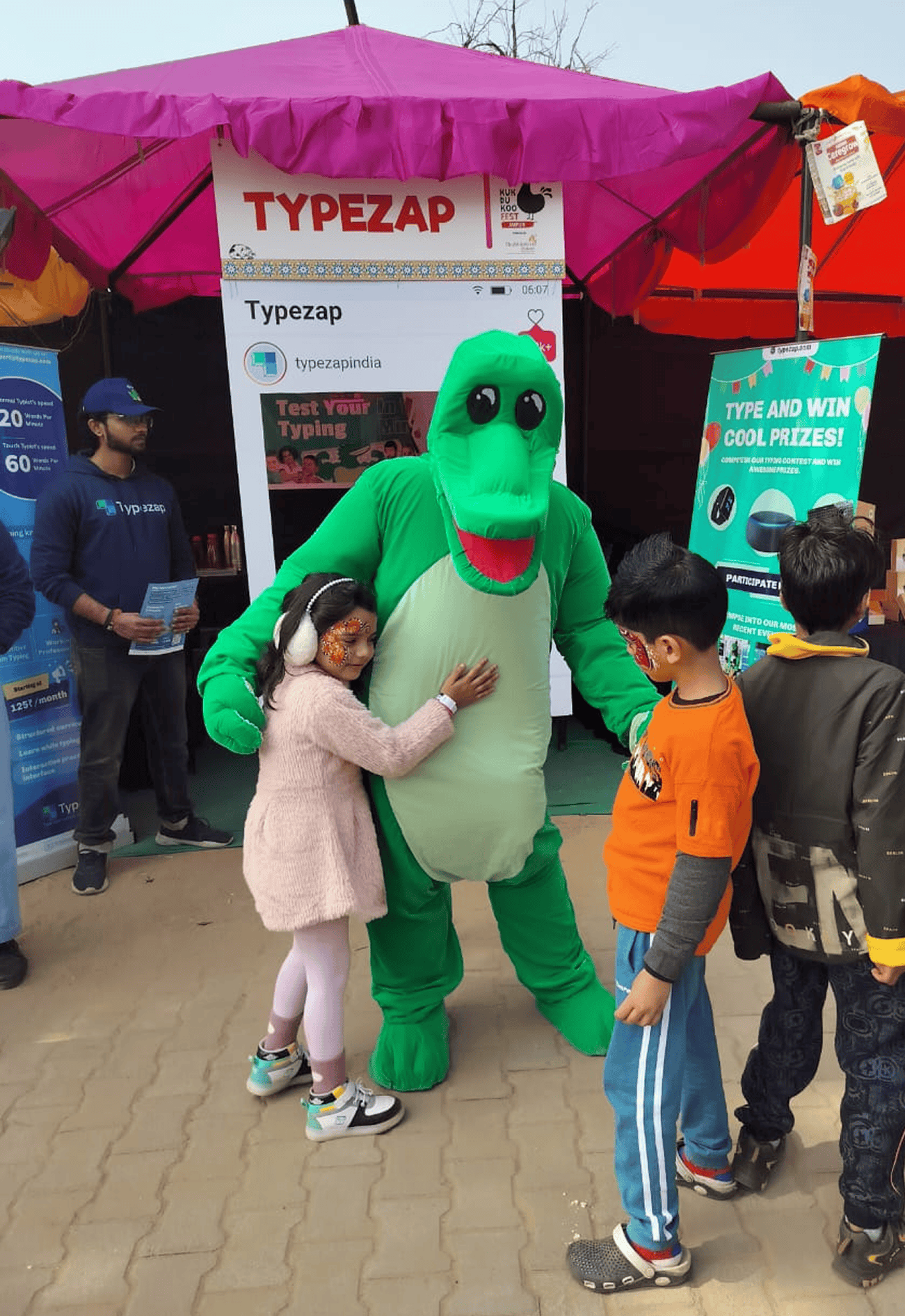
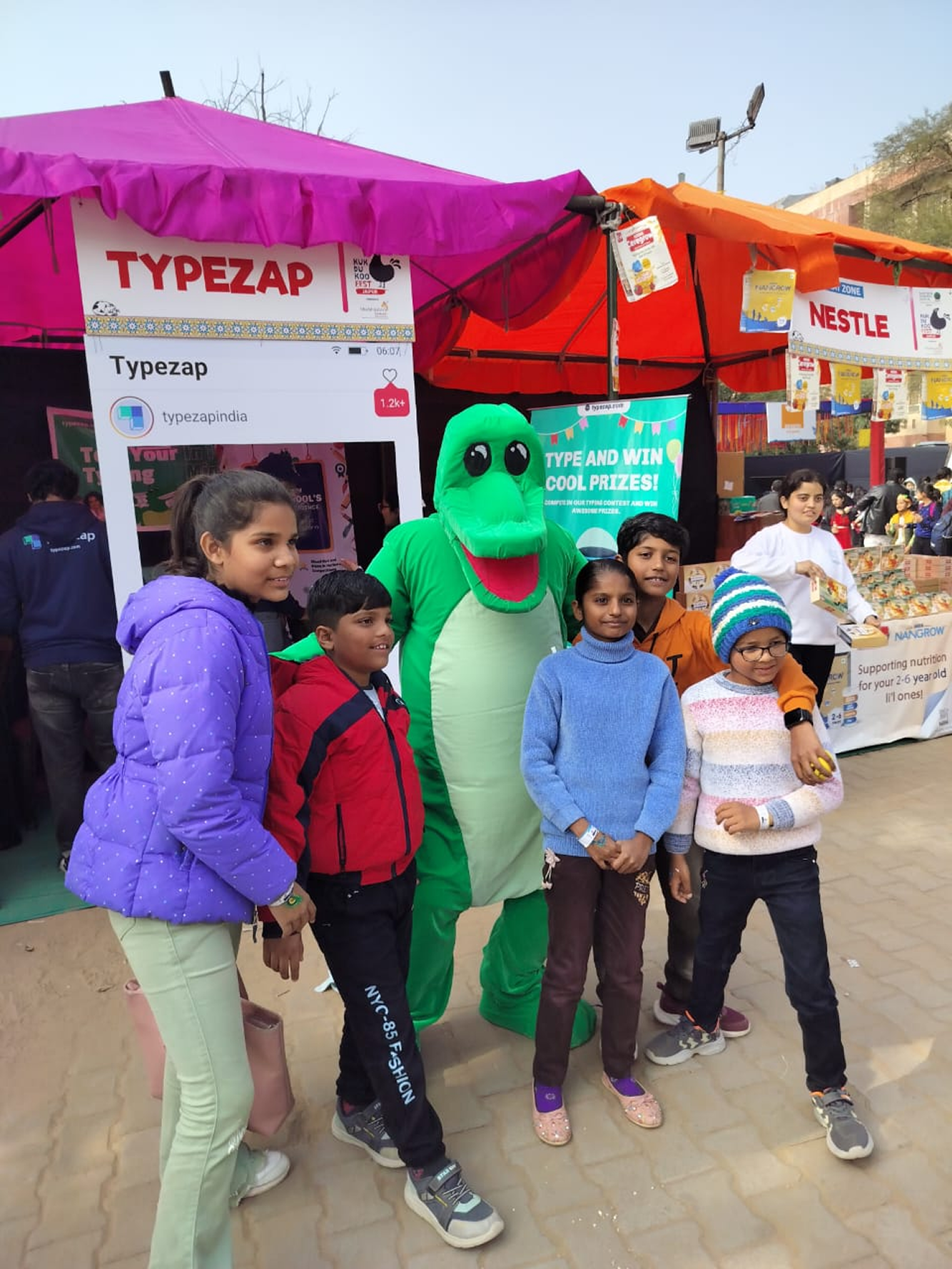
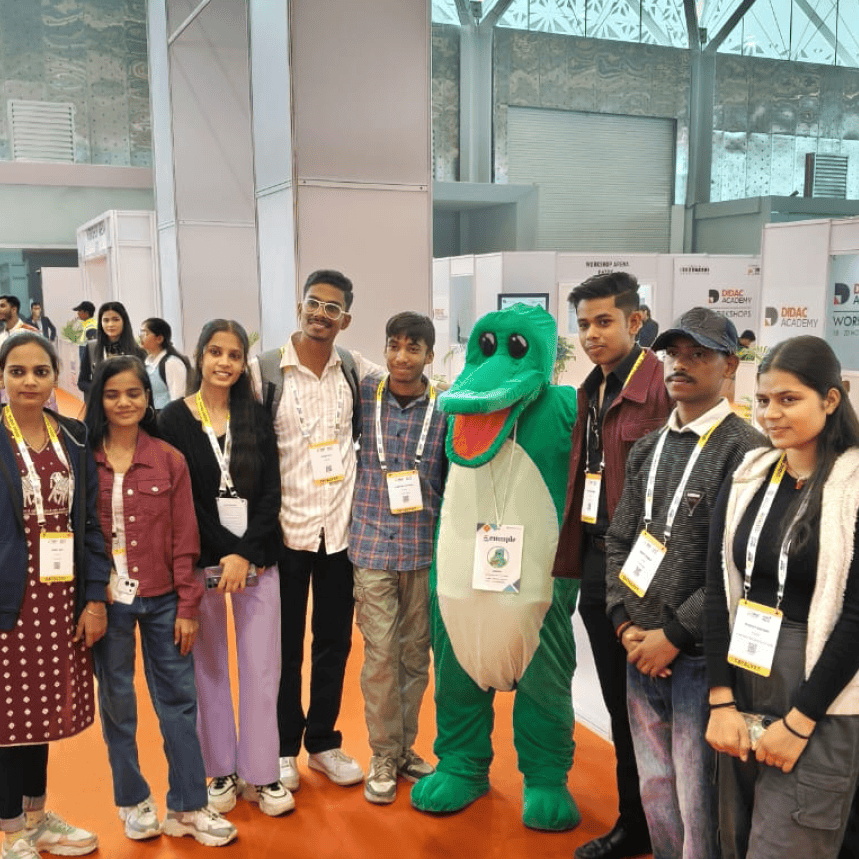
To build a recognizable identity, the crocodile mascot Leorio was created. Leorio served as an in-app guide, celebrating milestones, offering encouragement, and making the learning experience memorable. A physical mascot costume of Leorio was even produced for events, helping boost sign-ups by ~25% at demos.
Gradual Difficulty Progression
Beyond visual design, addressing a major issue with other touch-typing platforms was crucial. Many platforms had sudden jumps in difficulty level that either frustrated users enough to abandon proper technique or caused their speed to drop suddenly, leading to loss of motivation. For the team, designing exercises with gradual difficulty progression became a core criteria—difficulty would only increase after users had enough practice with the combinations used in an exercise, ensuring they stuck to the right technique.
Major Competitor Platforms

Affective Computing for Emotional Support
The platform leveraged affective computing to enhance the learning experience. Whenever a user's speed dropped, the system would sense the reason and the user's emotional state, addressing those feelings at the right time to maintain motivation and engagement.
Typing Interface & Experience
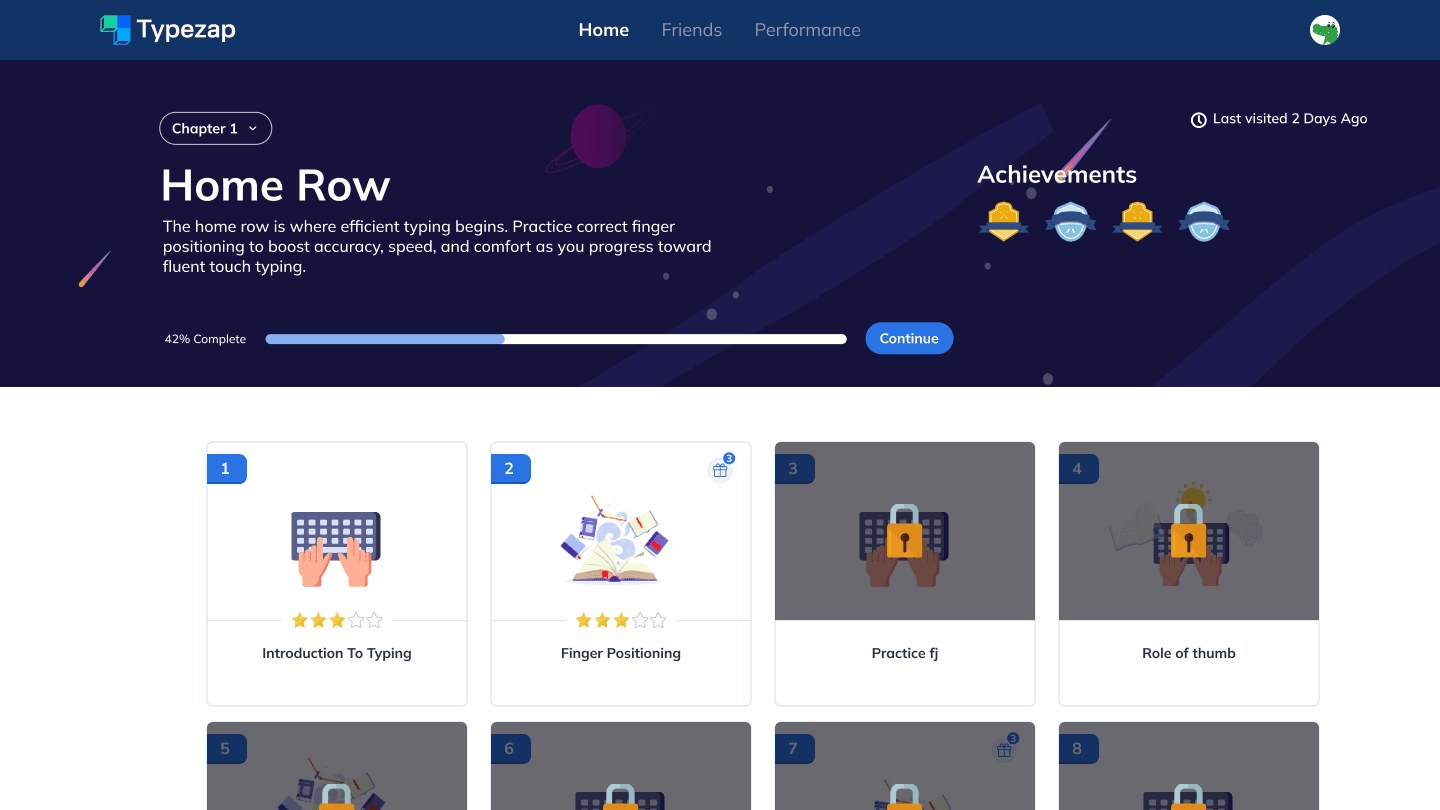
Course Layout
Course layout showing lesson structure and navigation
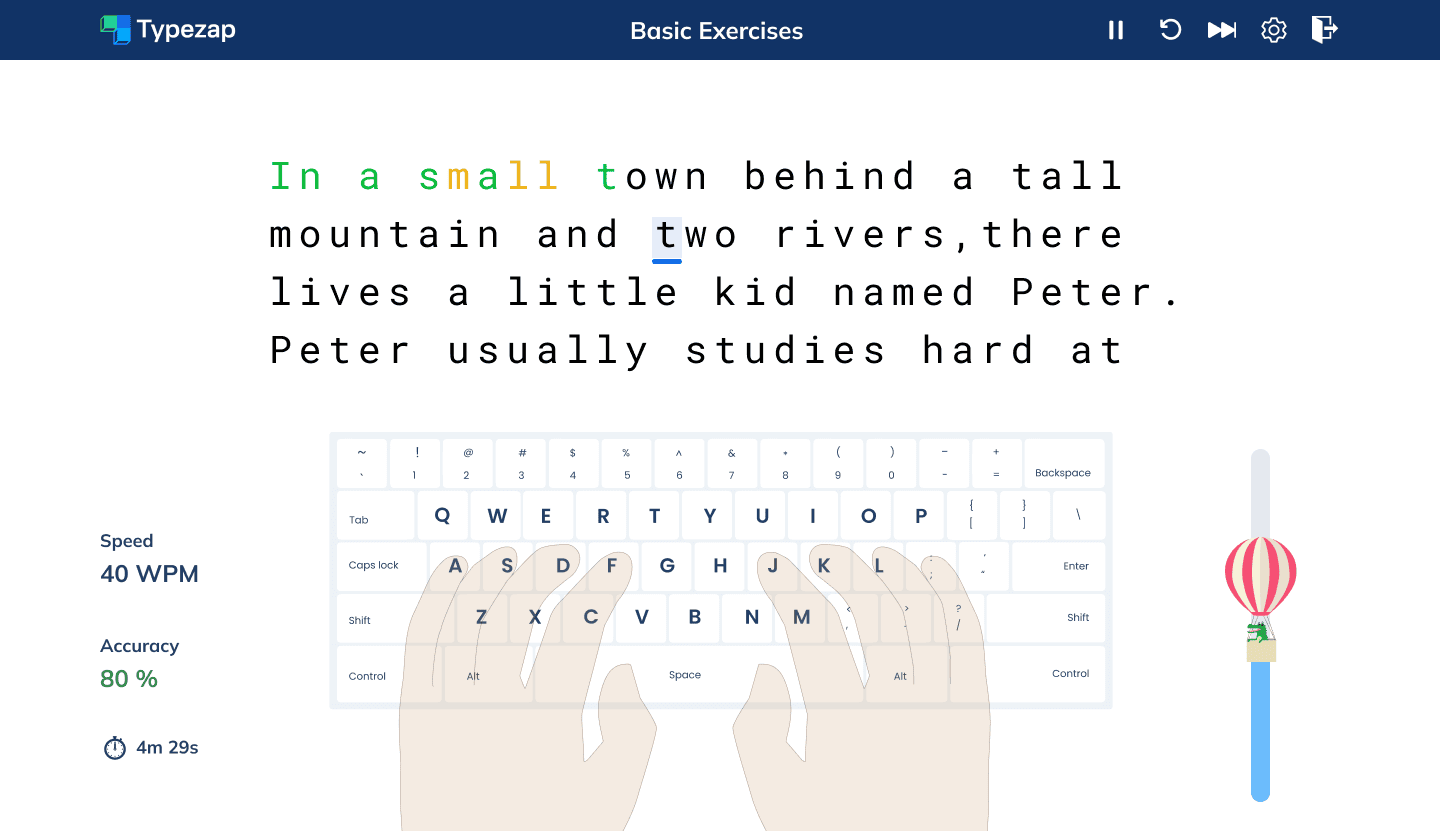
Typing Interface
Main typing interface with real-time feedback and progress indicators
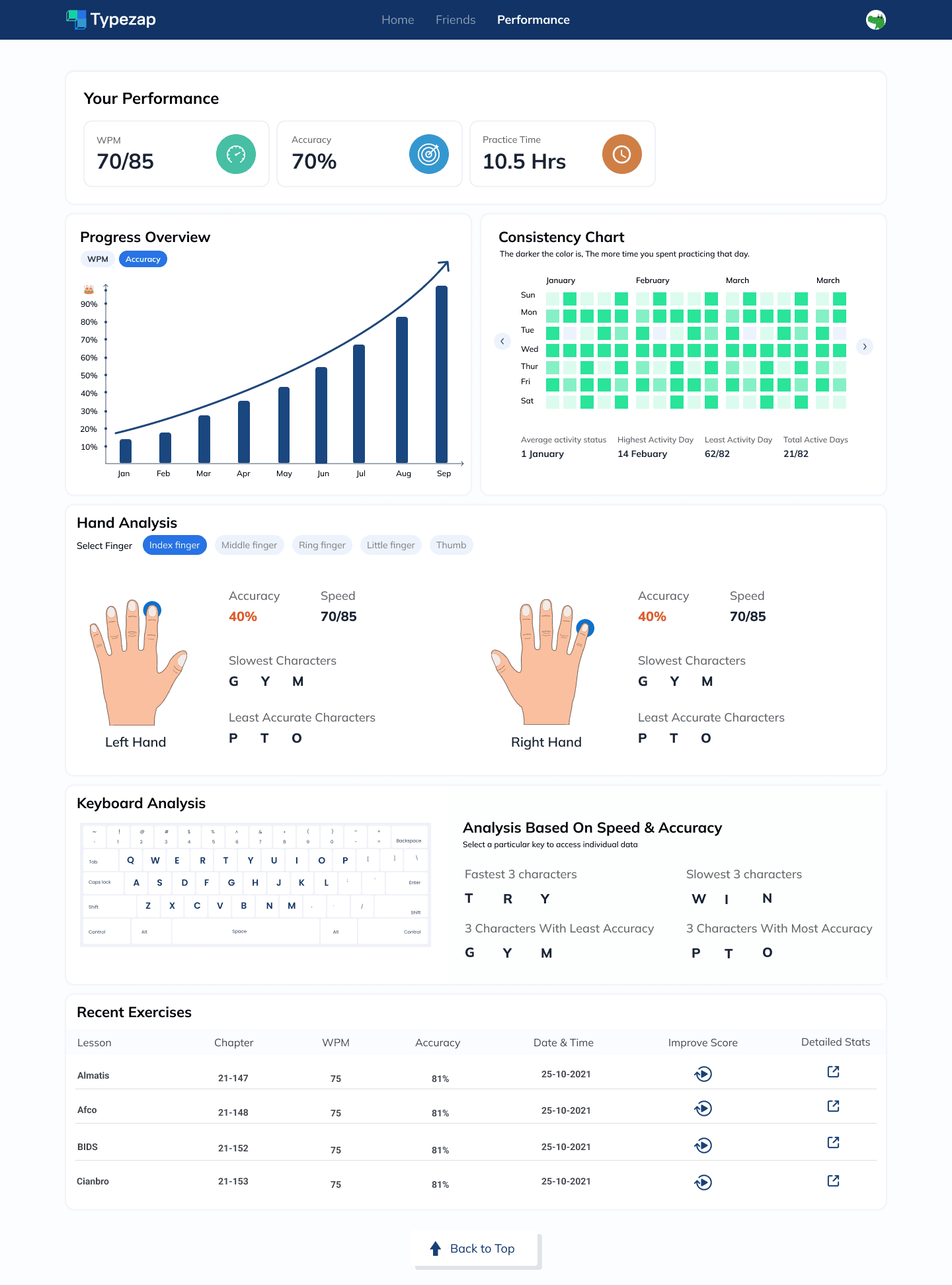
Performance Dashboard
Performance dashboard showing typing progress and performance metrics
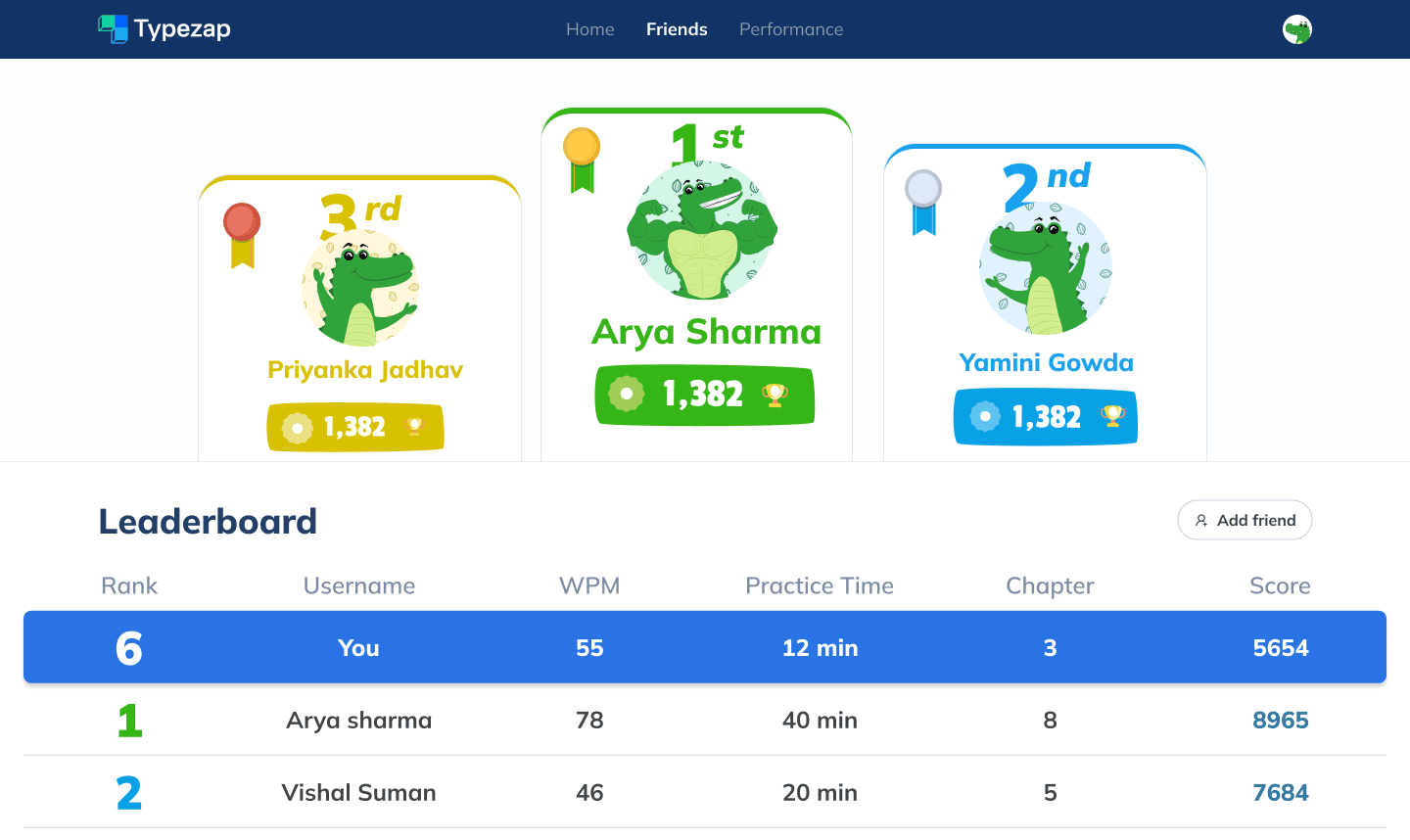
Leaderboard
Users can add friends and compete with them on a personal leaderboard to track progress and rankings
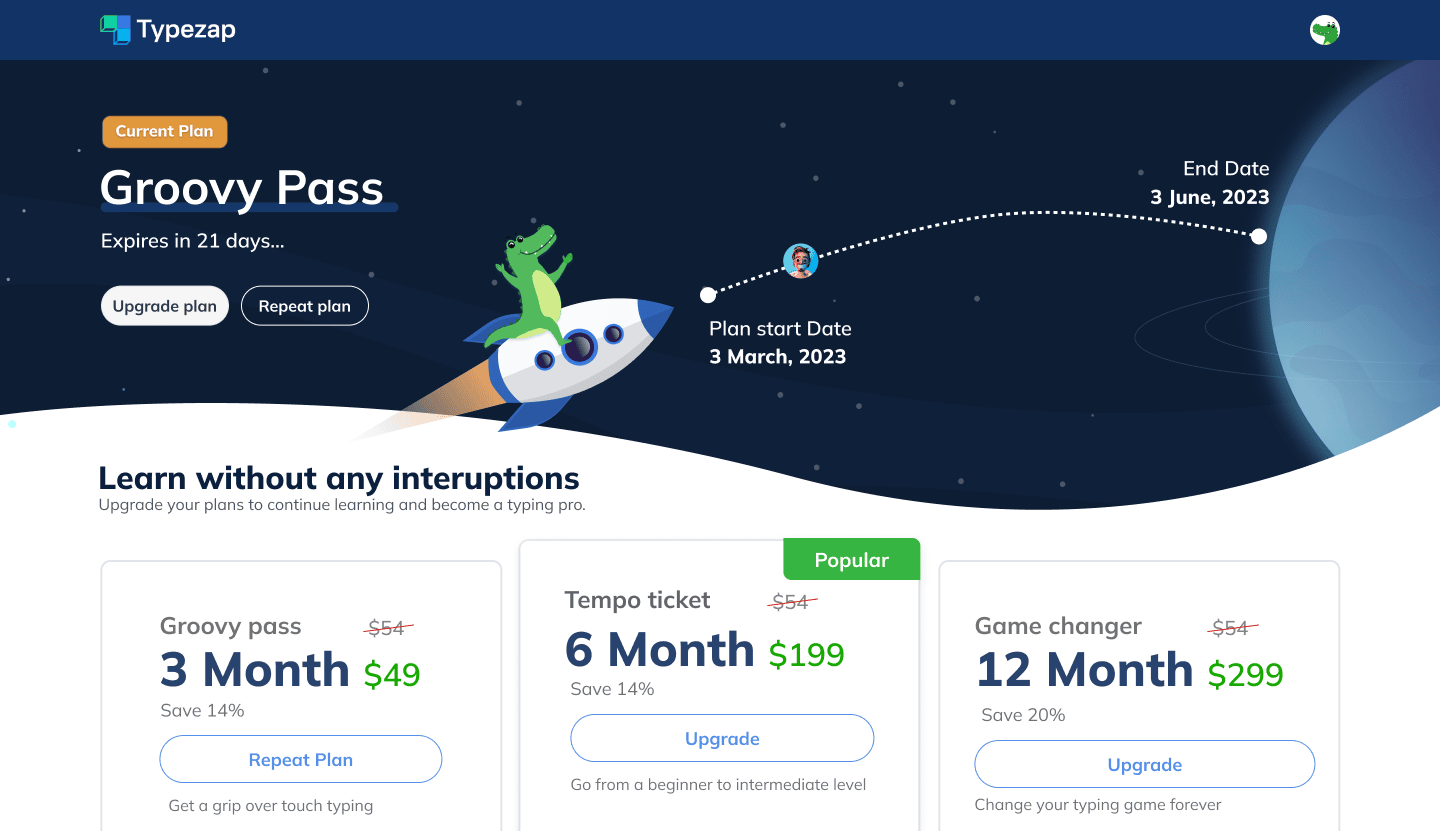
Plans Page for Subscribed User
Subscription management interface with plan options and upgrade features
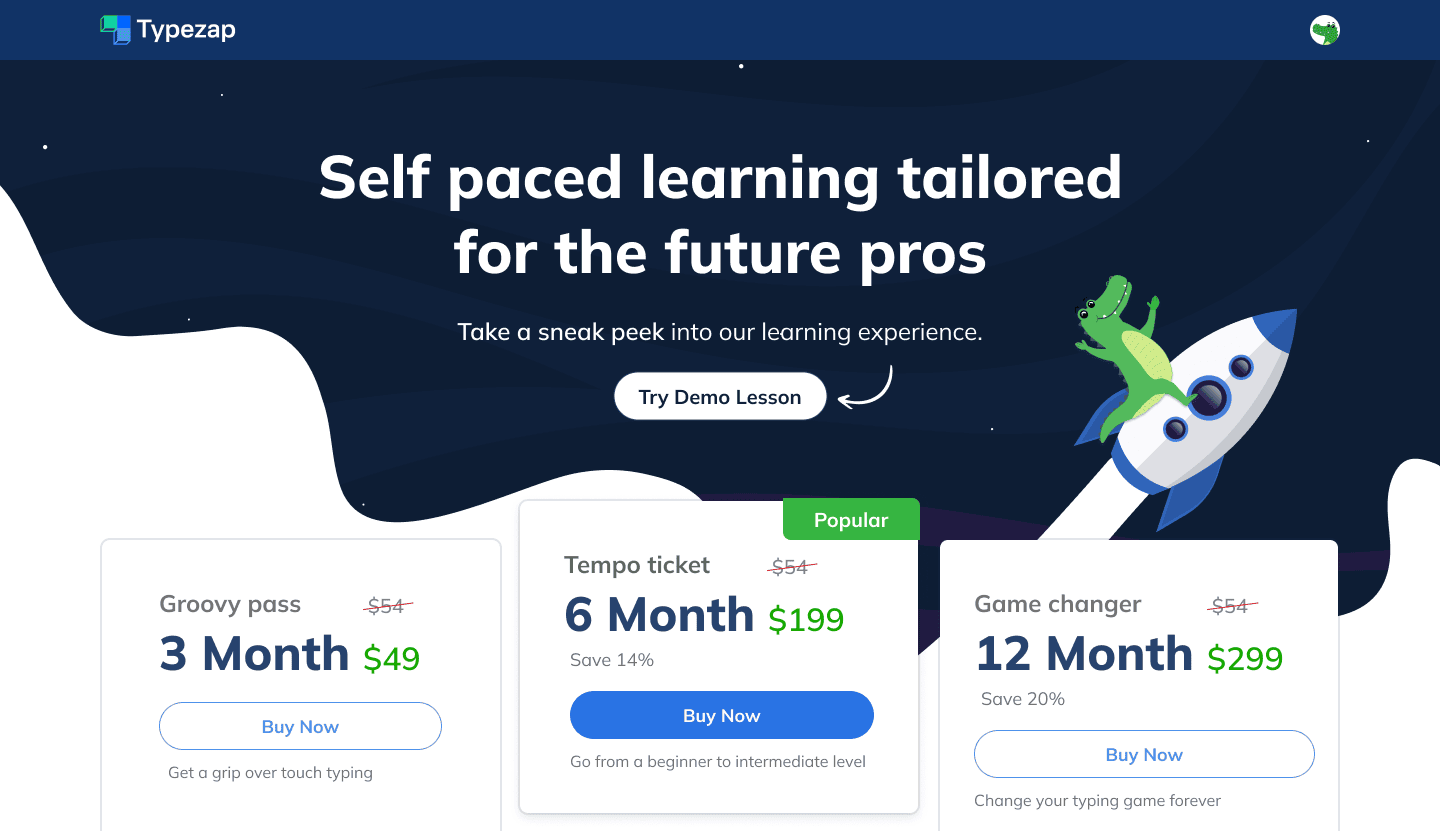
Plans Page for New User
Plans page interface for non-subscribed users to view and purchase subscription plans
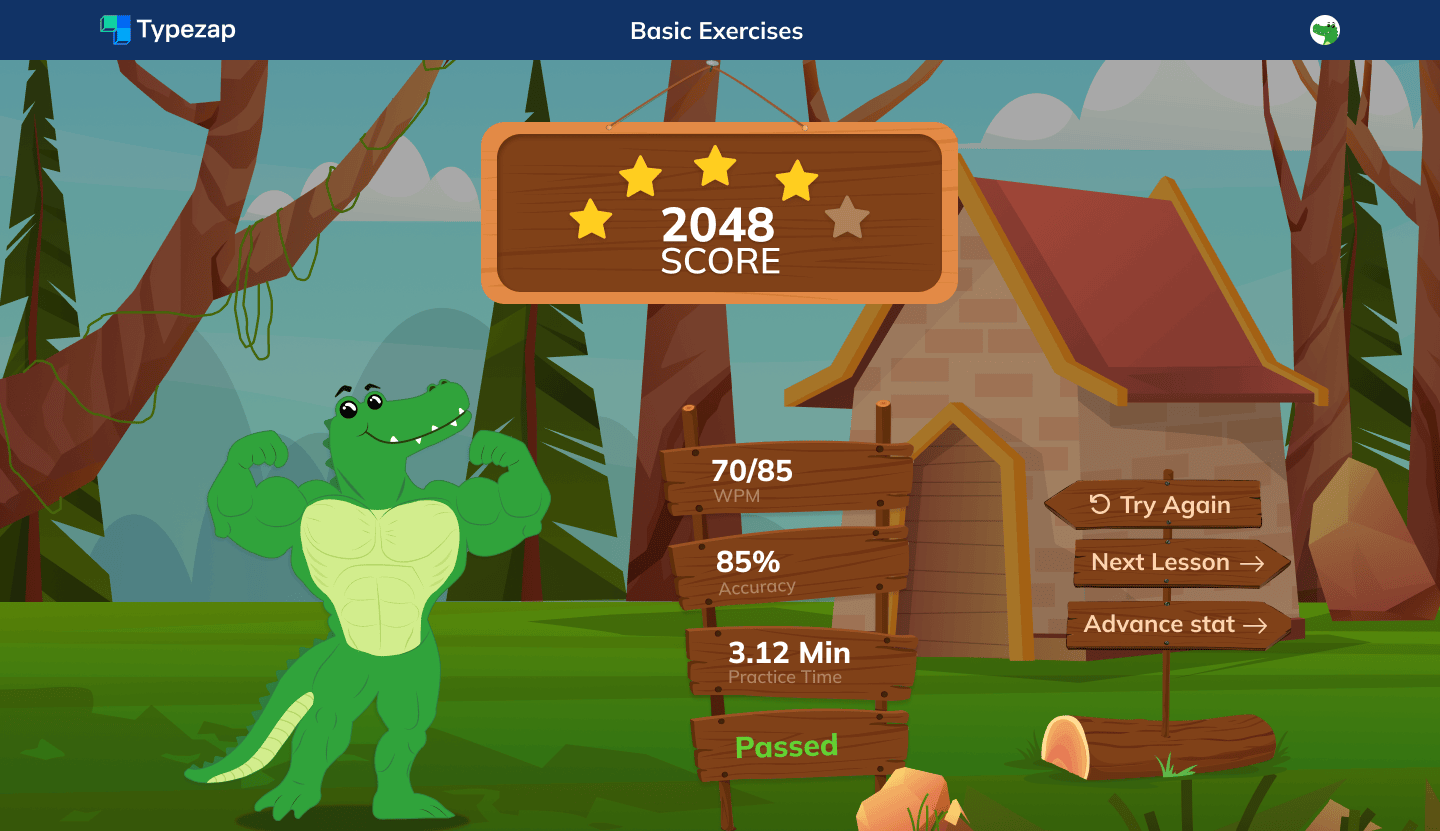
Exercise Result Page - Success
Result pages are designed with dramatic visuals to make wins more enjoyable and engaging
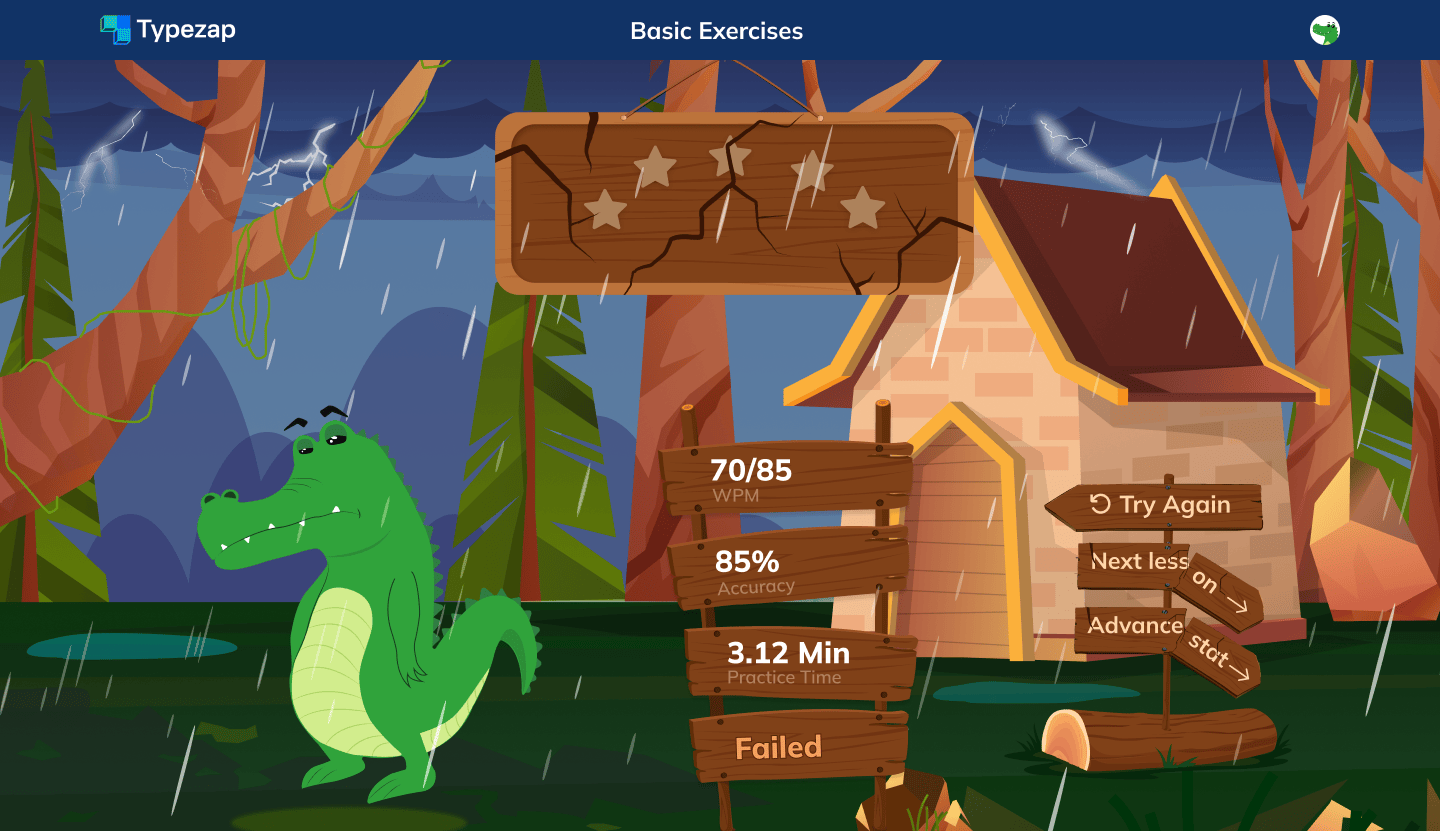
Exercise Result Page - Failure
Dramatic visual contrast between success and failure states to enhance the emotional impact of achievements
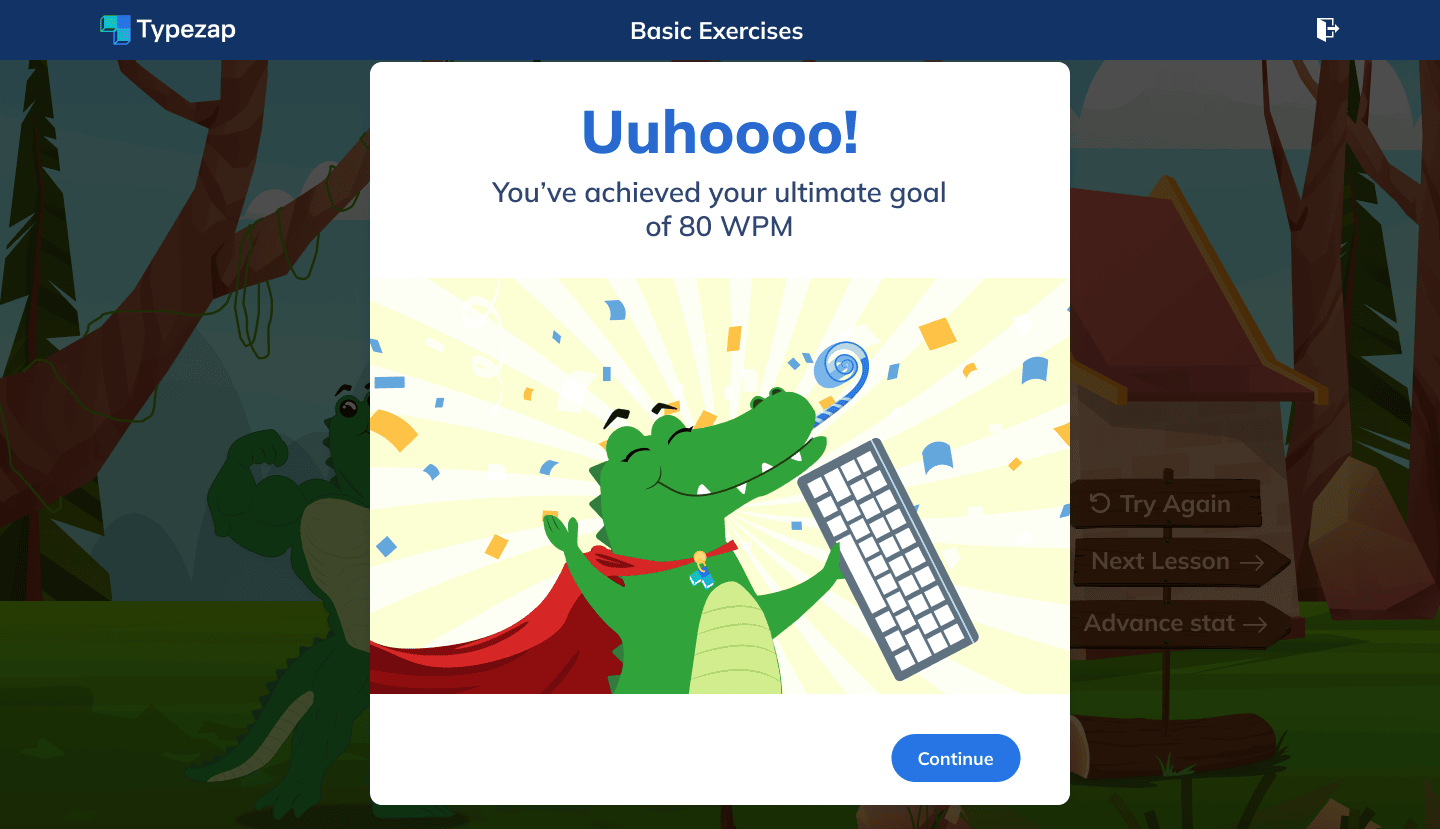
Goal Setting
Goal setting and motivation features to encourage user engagement
.png)
Progress Tracking
Motivational interface with progress tracking and achievements
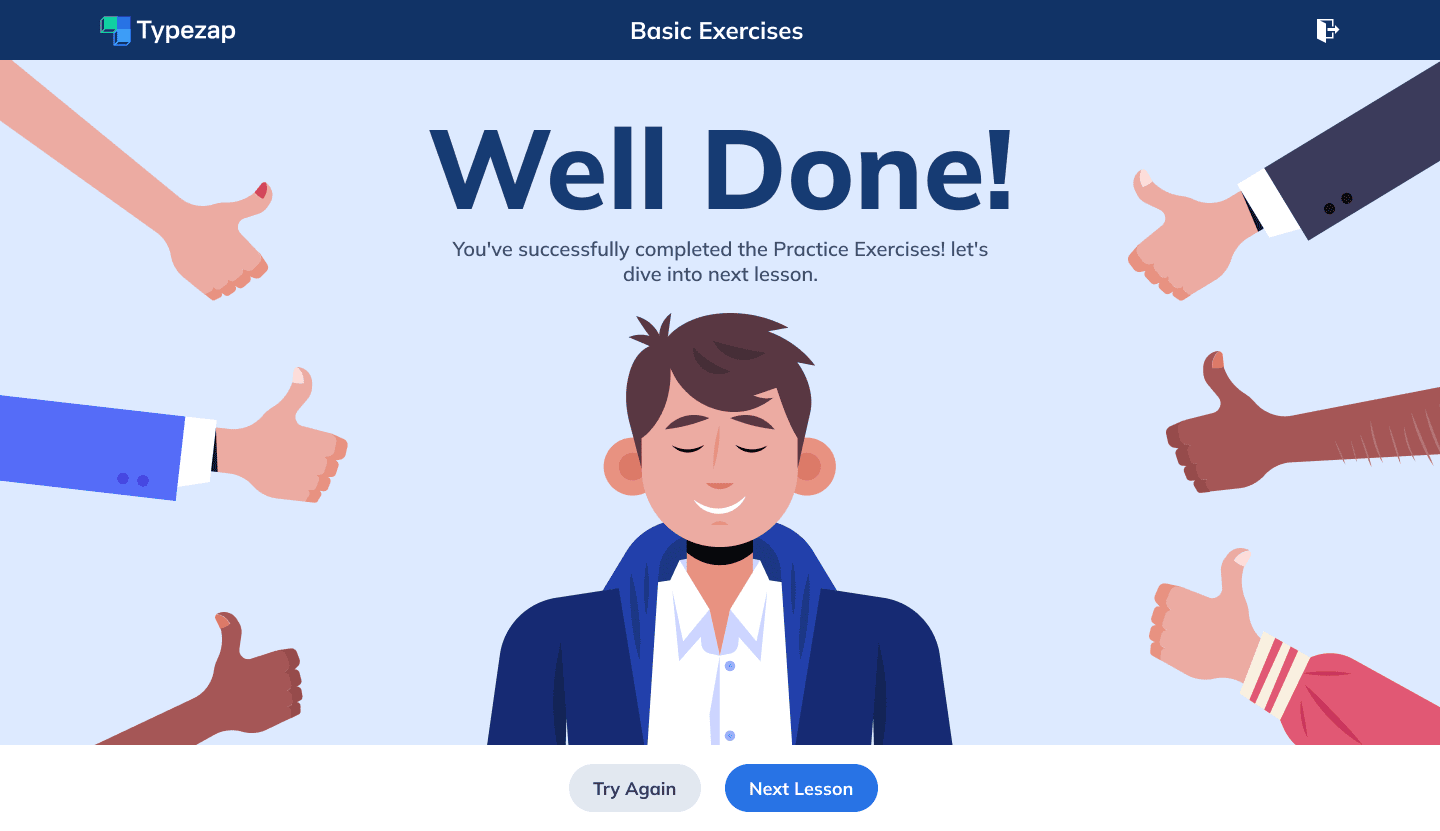
Task Completion
Task completion screen with celebration and next steps
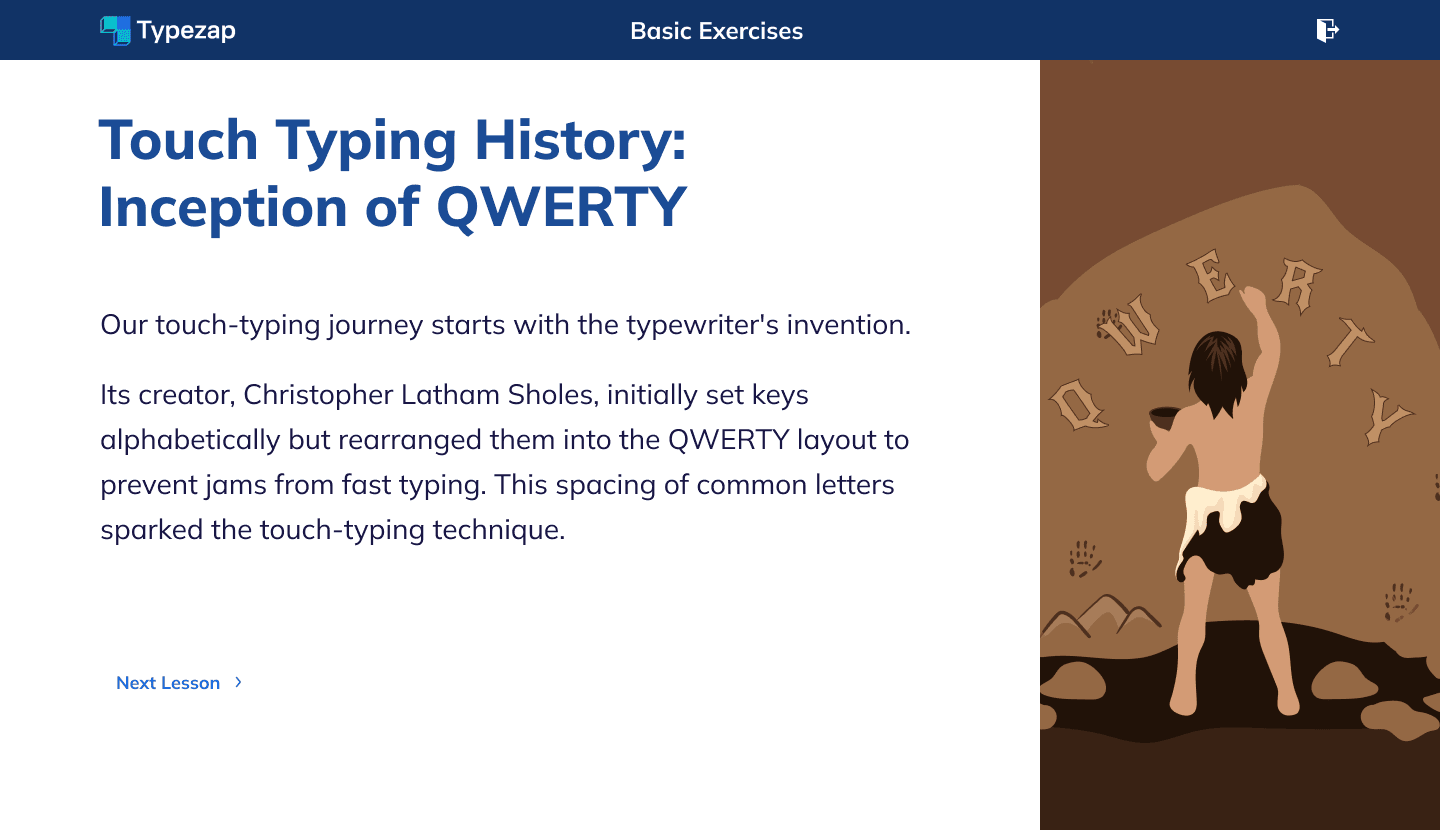
Text-based Lessons Interface
Text-based lesson interface with gradual difficulty progression
Testing & Feedback Phases
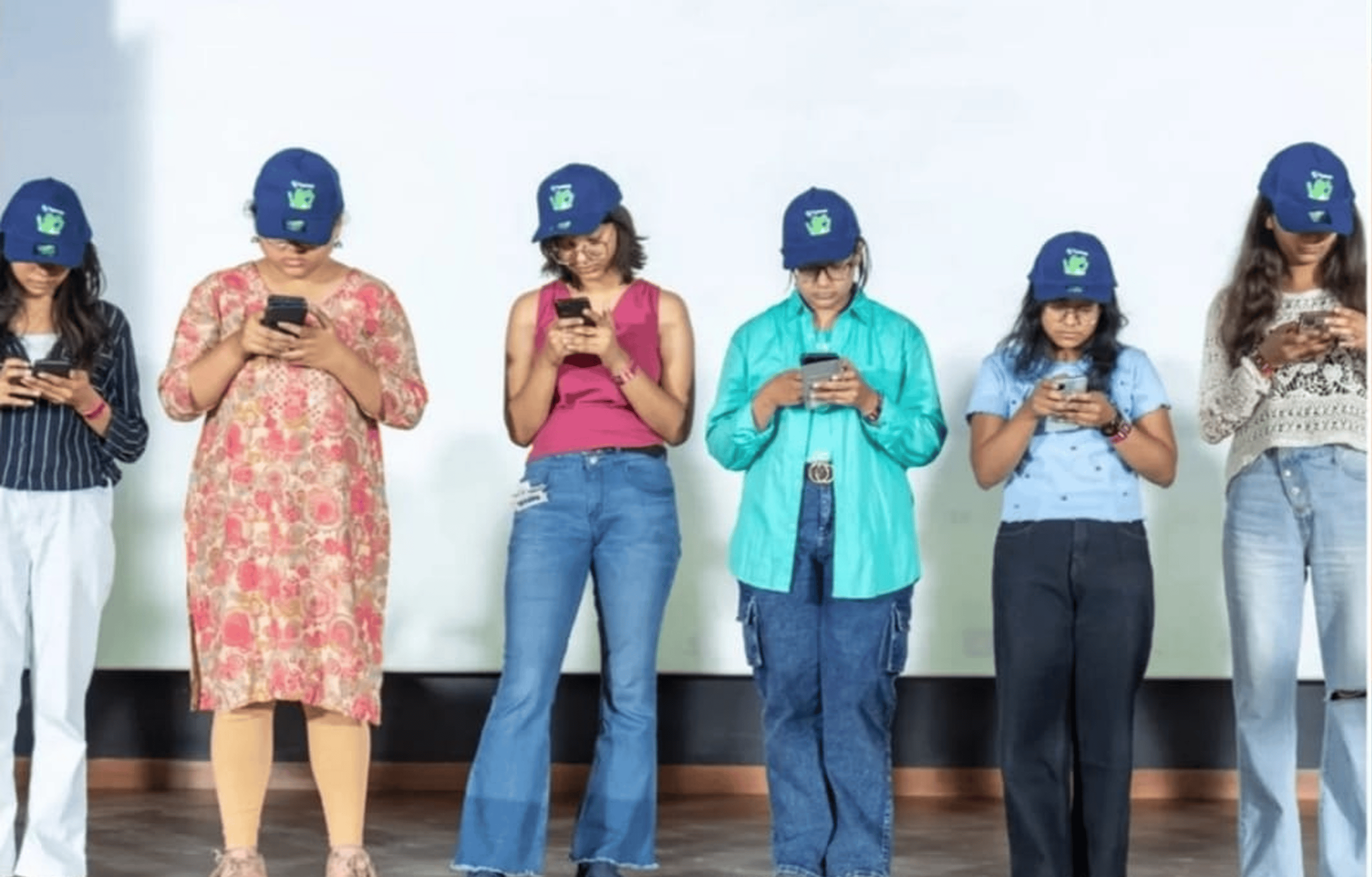
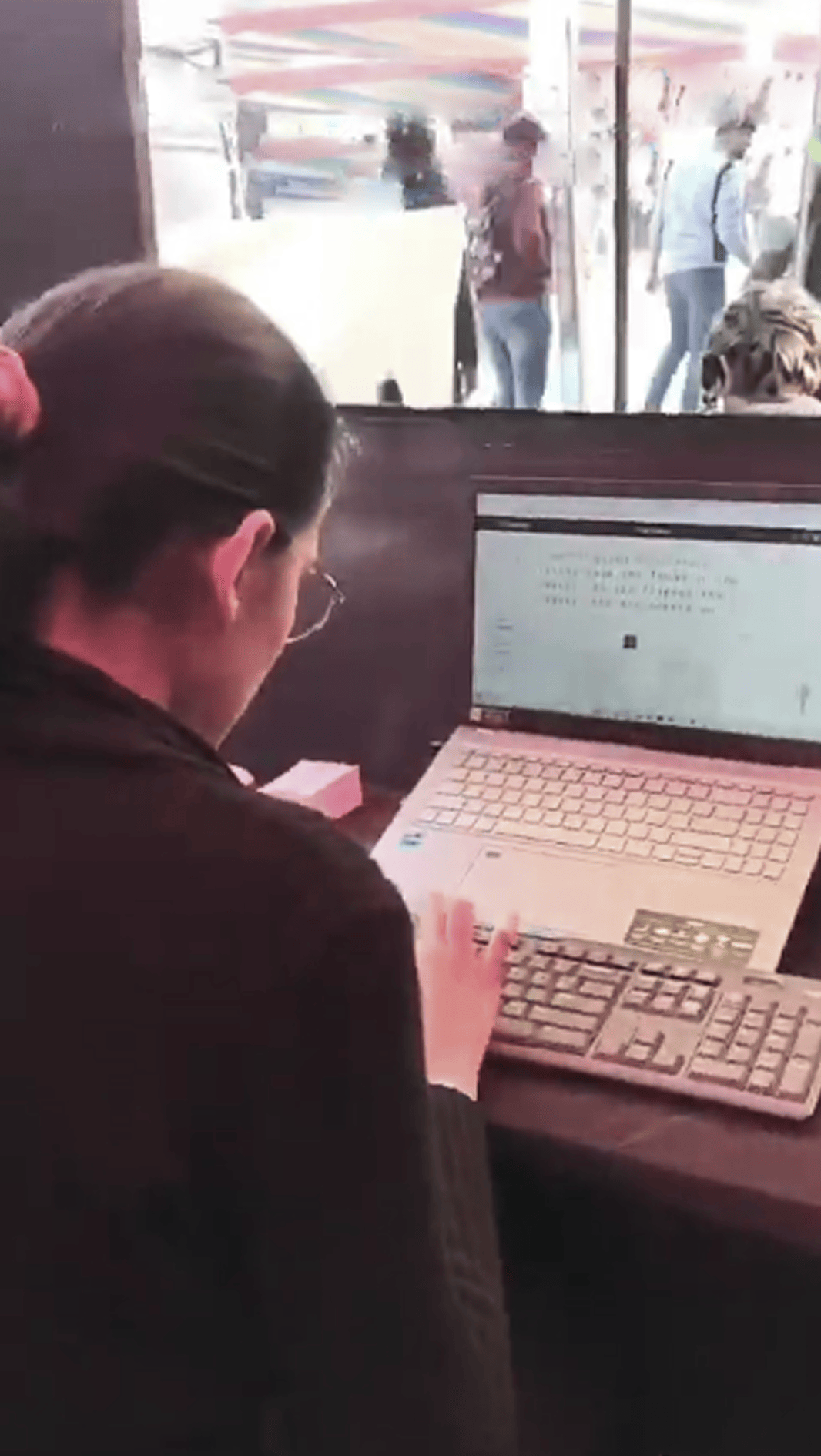
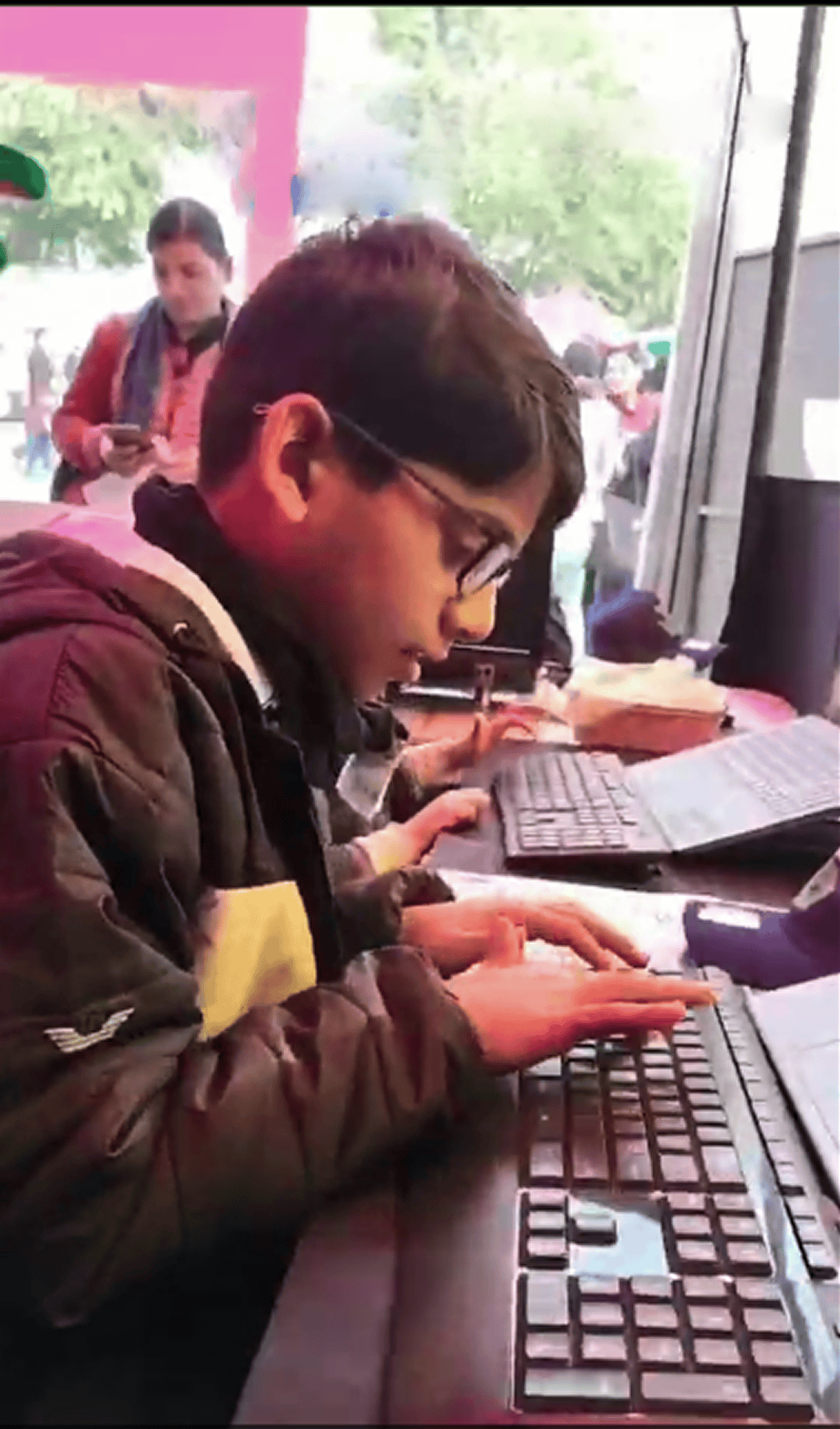
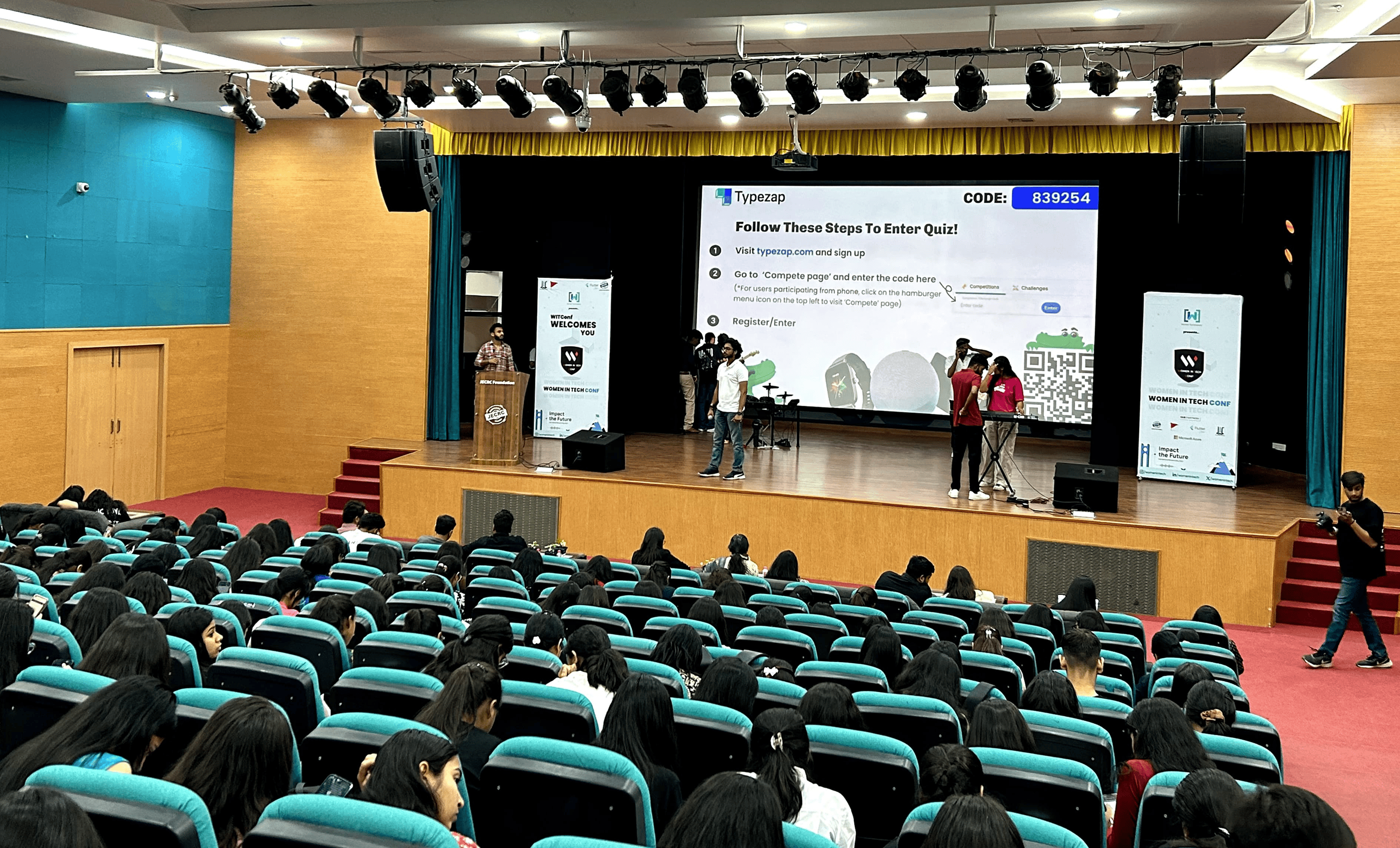
Once the initial platform was developed, testing was organized at events in public places:
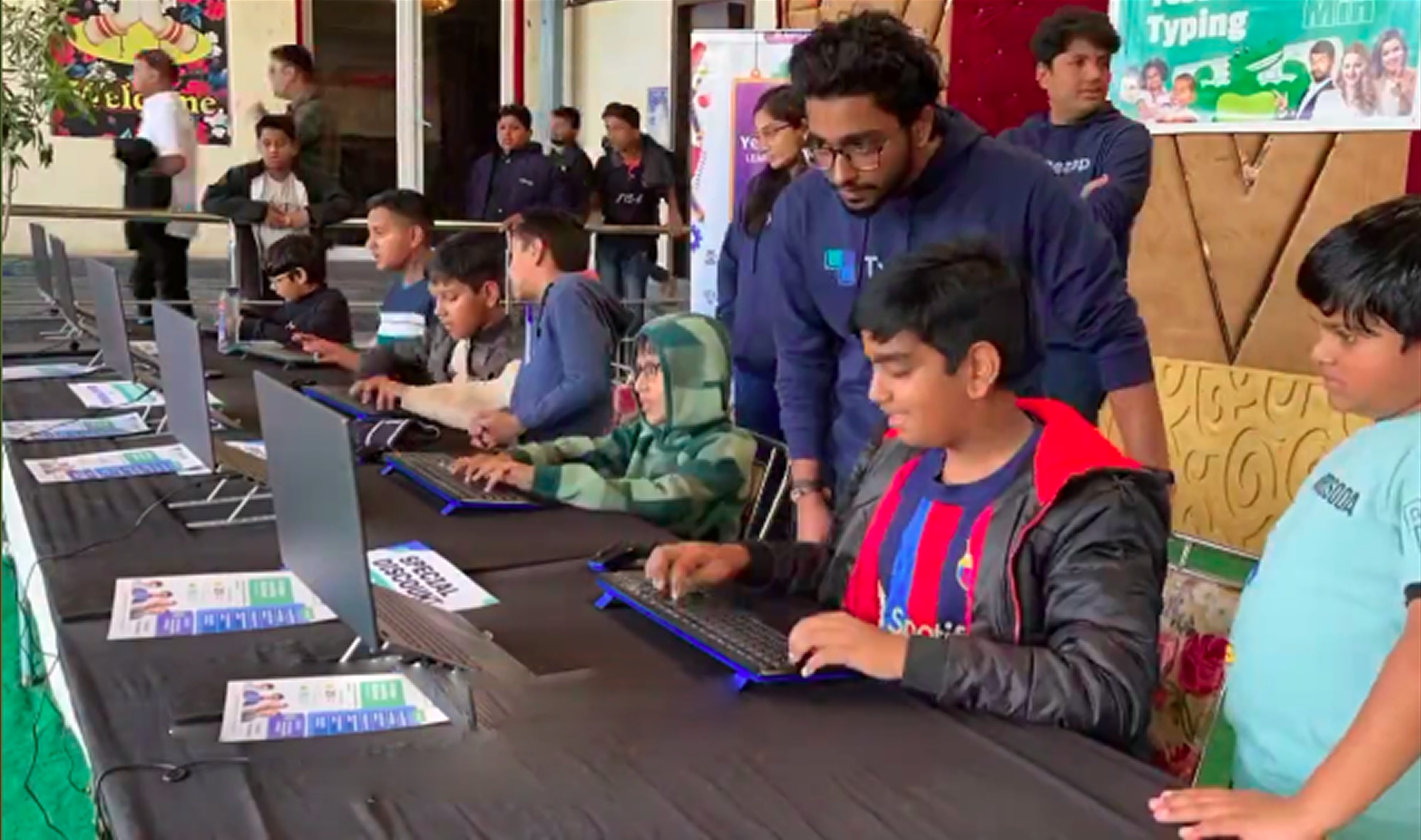
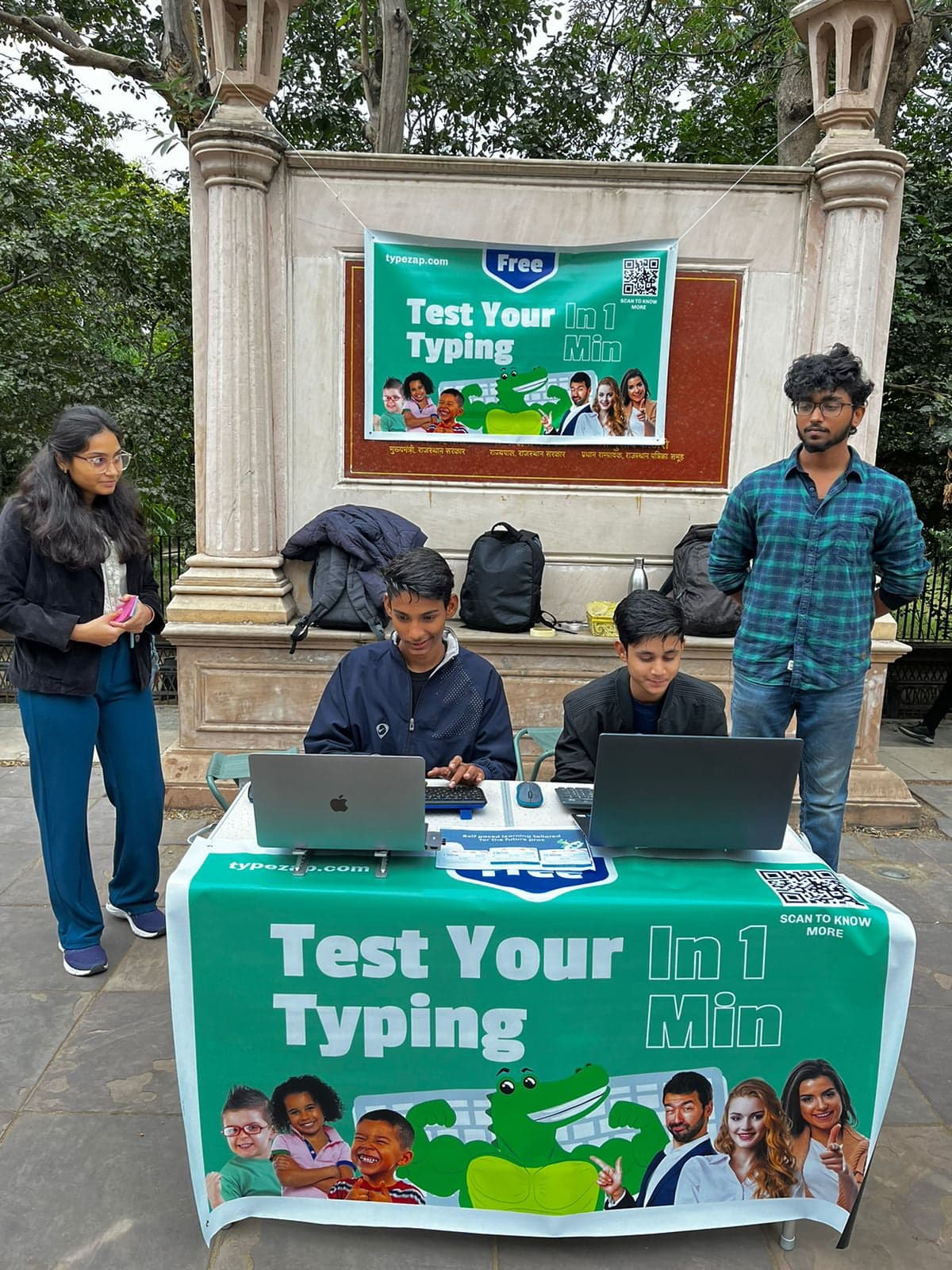
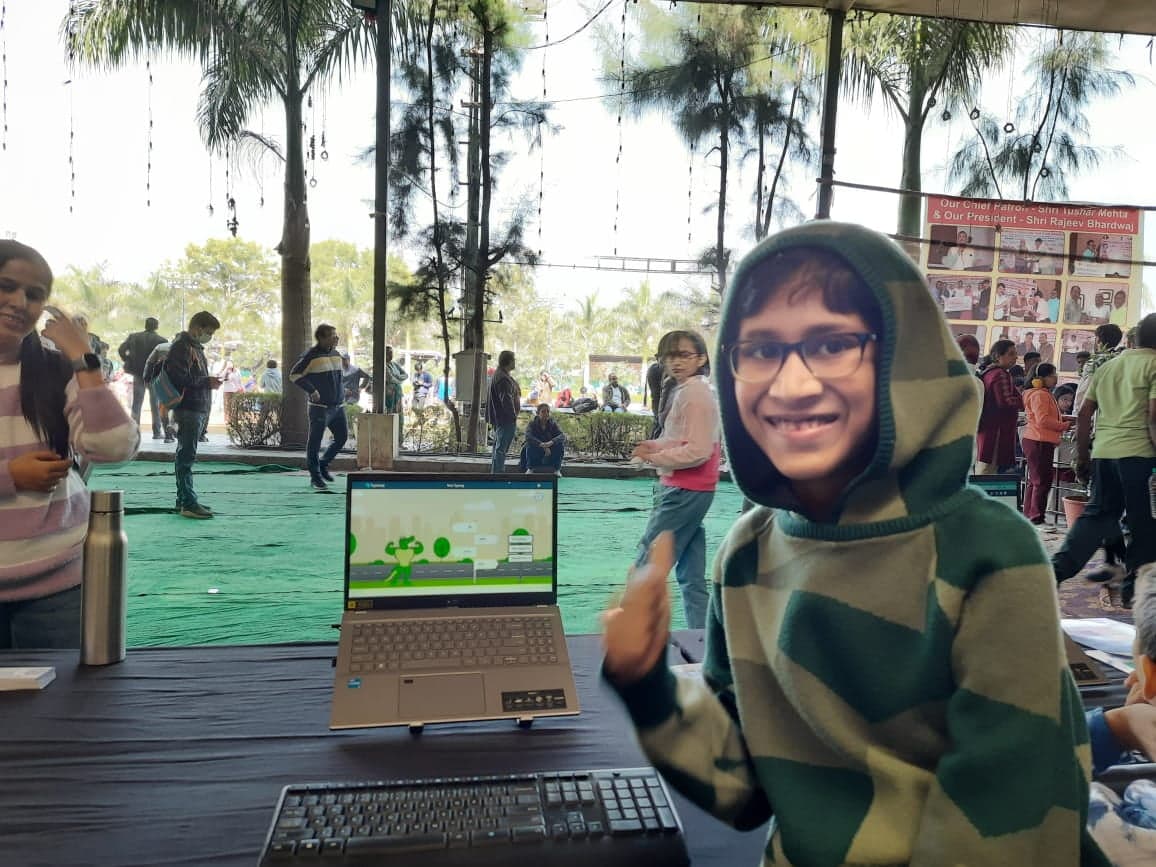
- Live observation sessions allowed analysis of how kids interacted with the platform, highlighting challenges like frustration when speed dropped during proper typing technique.
- Physical events and demos gathered valuable insights directly from children, parents, and educators, confirming high engagement among kids but limited enthusiasm from parents about typing alone.
Key Finding: Interviews with parents revealed that parents don't prioritize typing that much right now, and as decision makers, their concerns need to be addressed.
These findings showed that, despite the platform's strong visuals and enjoyable typing experience, the business direction needed to evolve.
Learning & Strategic Shifts
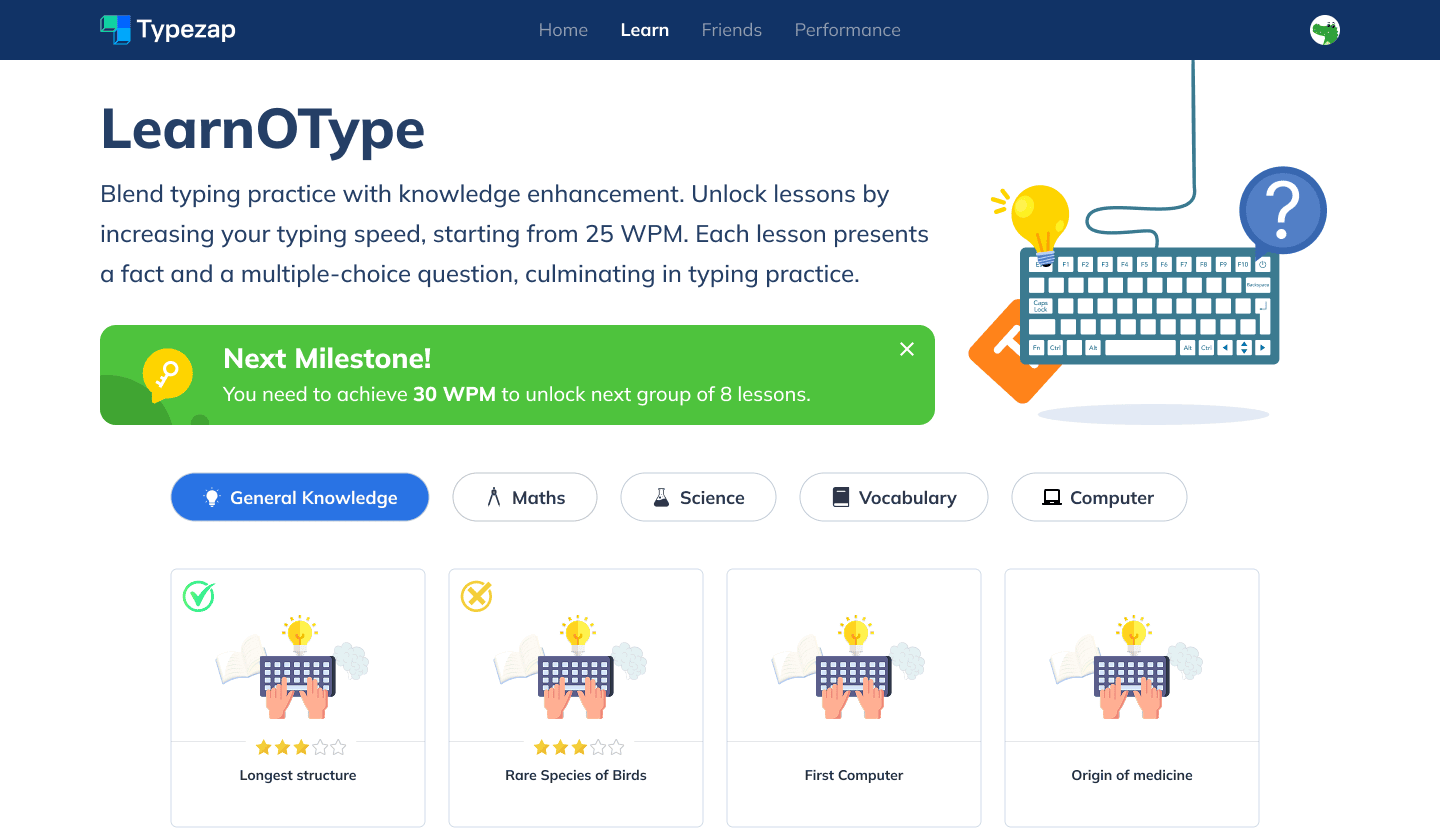
The first response to feedback led to Learn-o-Type, a feature combining typing practice with learning short educational facts—aiming to bridge the gap between engagement and parental value.
Learn-o-Type Feature
Combining typing practice with educational content
Learn-o-Type Interface
A feature combining typing practice with learning short educational facts to bridge engagement and parental value
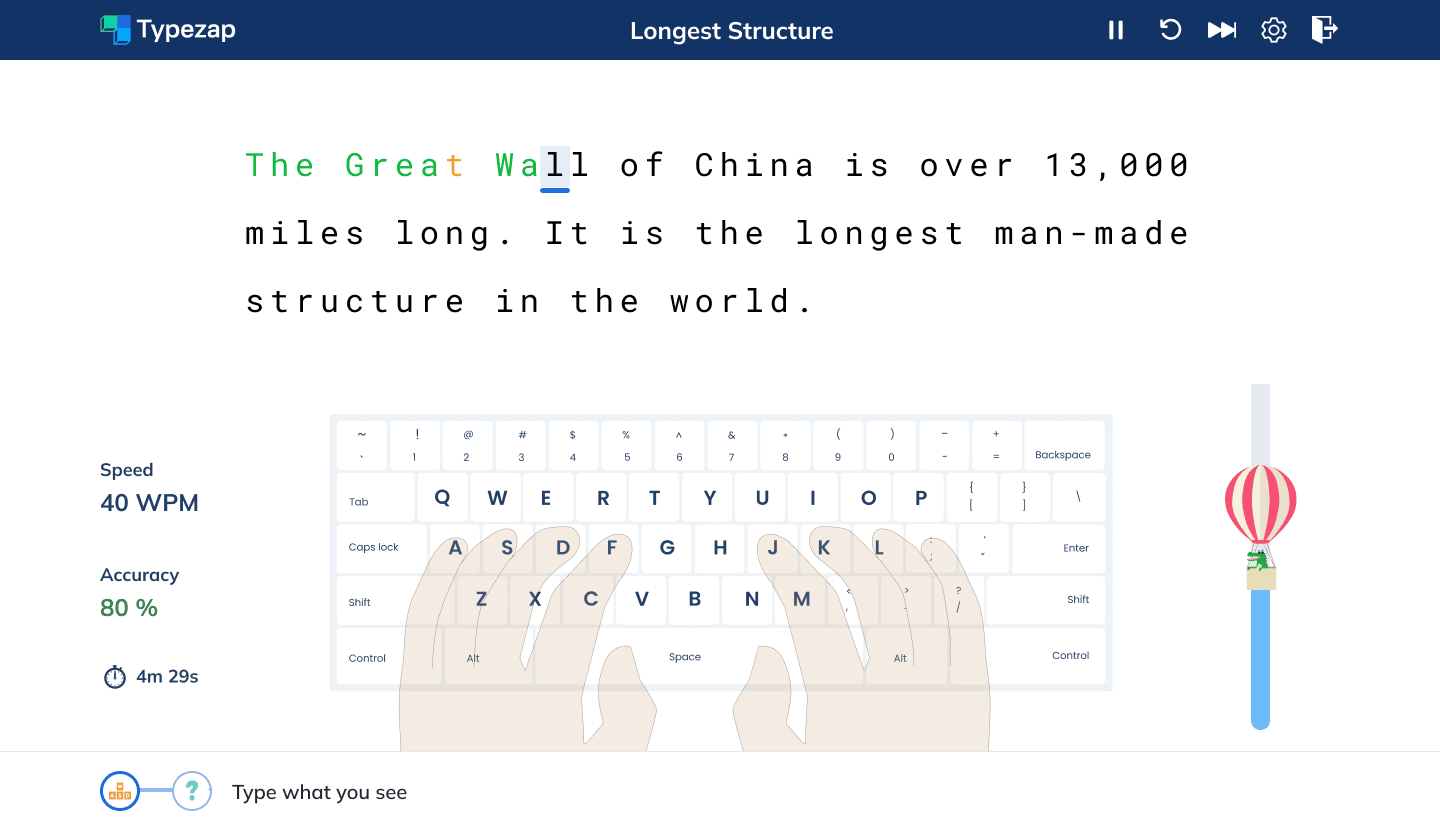
Typing Practice with Facts
Typing interface integrated with educational content
Learning Feedback
Interactive feedback for educational content comprehension
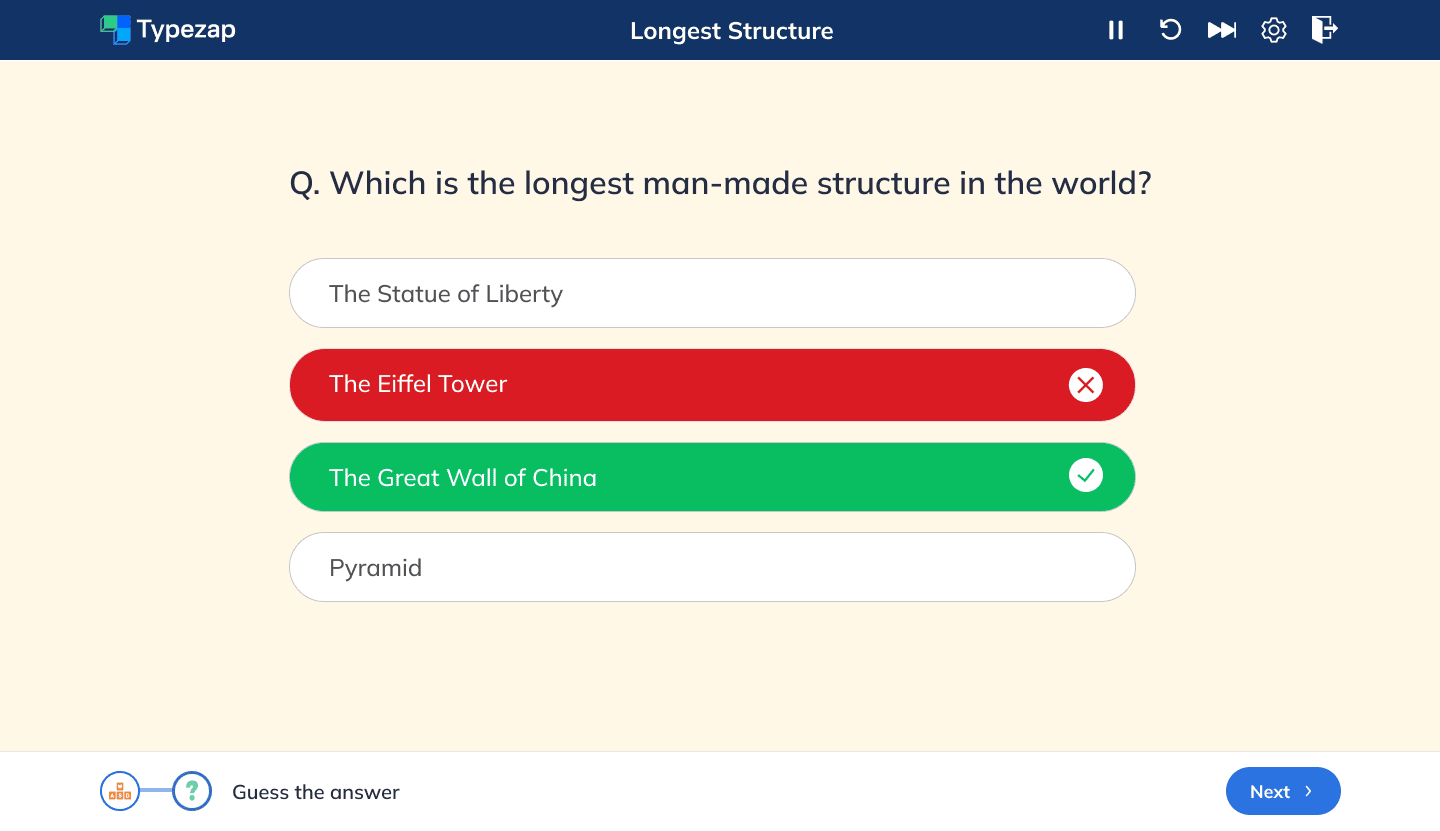
However, second rounds of testing revealed that typing while learning distracted kids and parents were still more focused on meaningful educational content than typing proficiency.
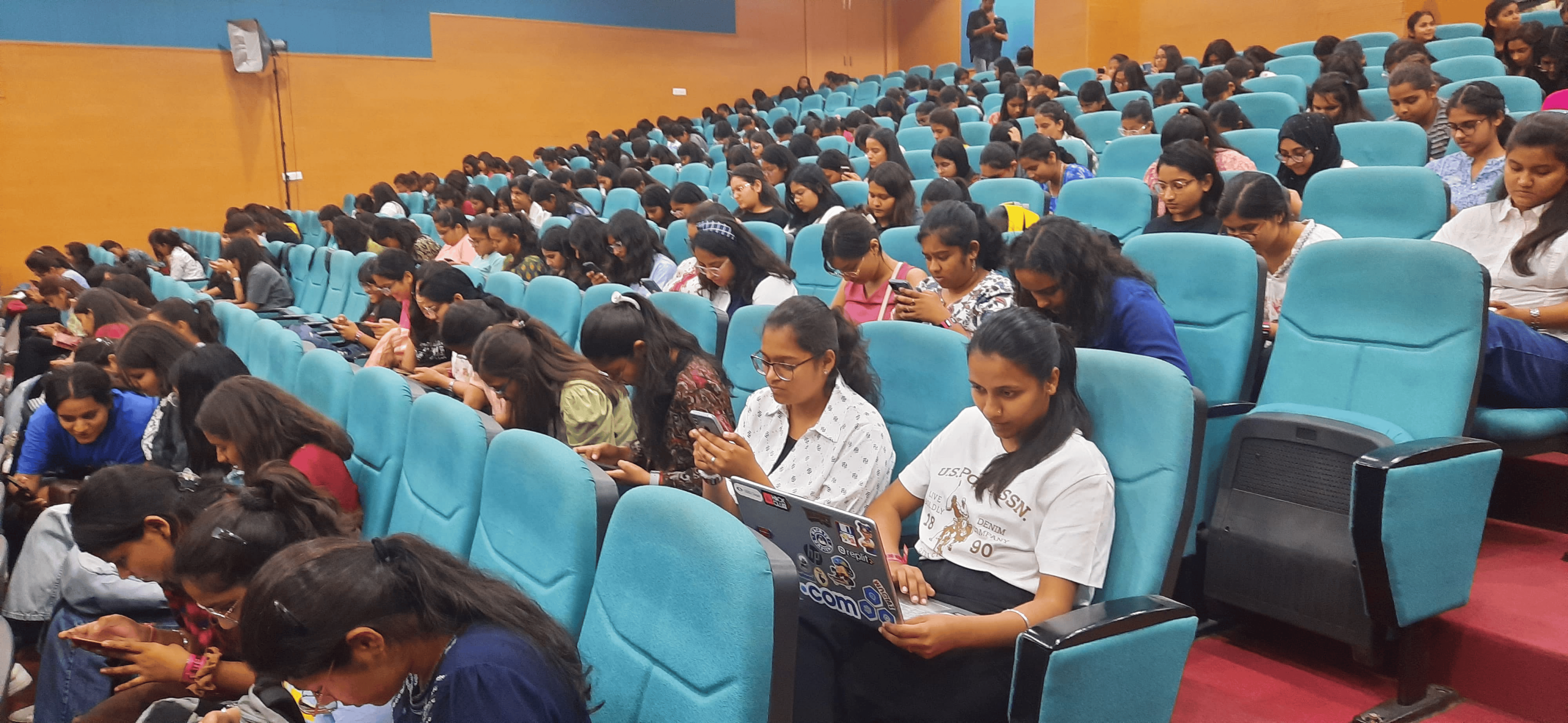
Interviews with parents and discussions with schools surfaced a significant gap in traditional education: children rarely learn practical life skills such as AI basics, cybersafety, law, etiquette, and cultural awareness.
Pivoting to a Modern Learning Platform
Based on these insights, the decision was made to fully reposition Typezap as an educational platform teaching subjects that matter but are often overlooked. Typing was retained as one learning module, but it became part of a broader offering.
Subjects introduced included:
- Artificial Intelligence basics
- Cybersafety and responsible digital habits
- Indian culture and history
- Civics (e.g., laws for kids, rights, etiquette)
- General knowledge topics
This pivot transformed Typezap from a niche typing tool into a platform truly aligned with parents' and schools' priorities.
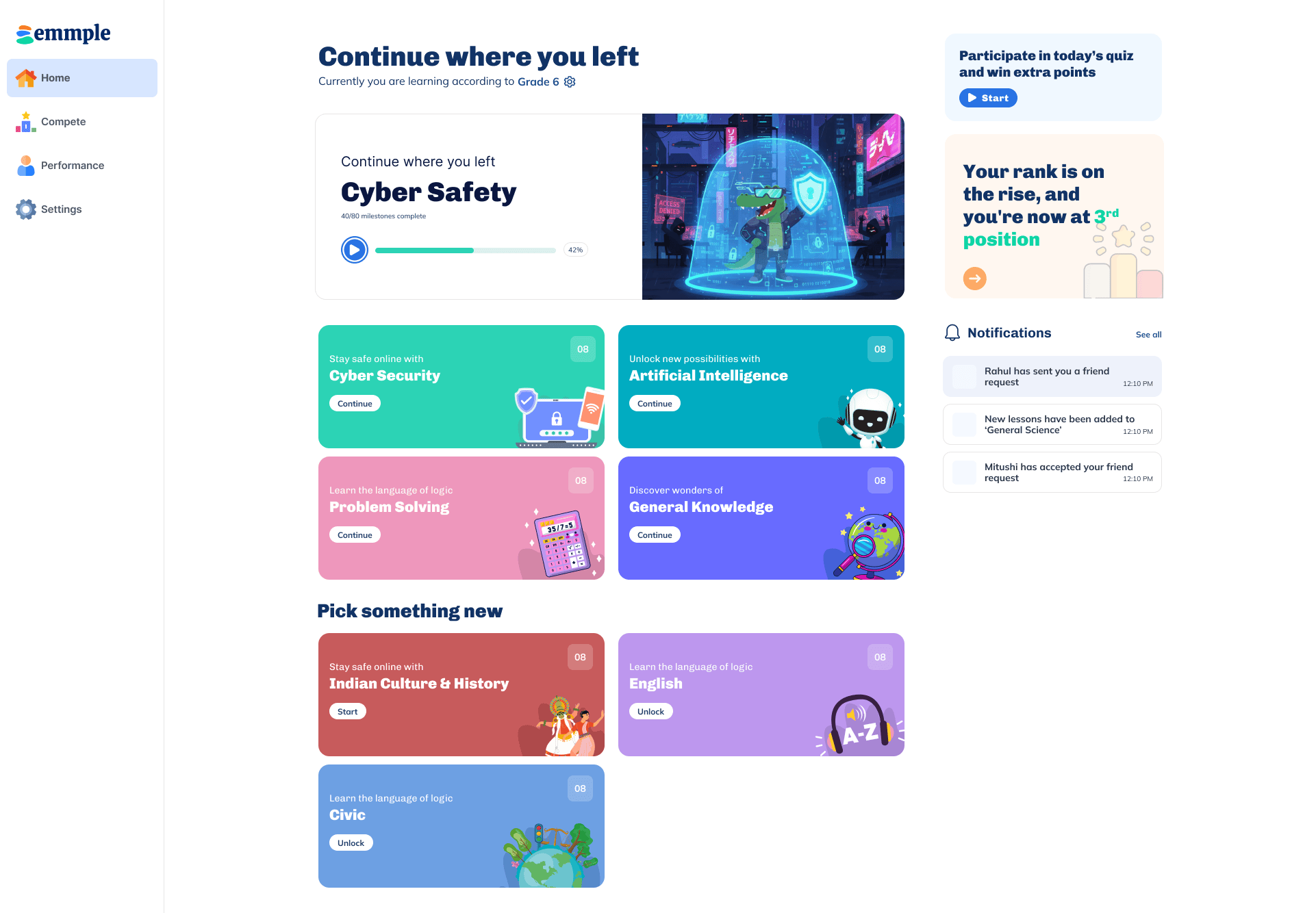
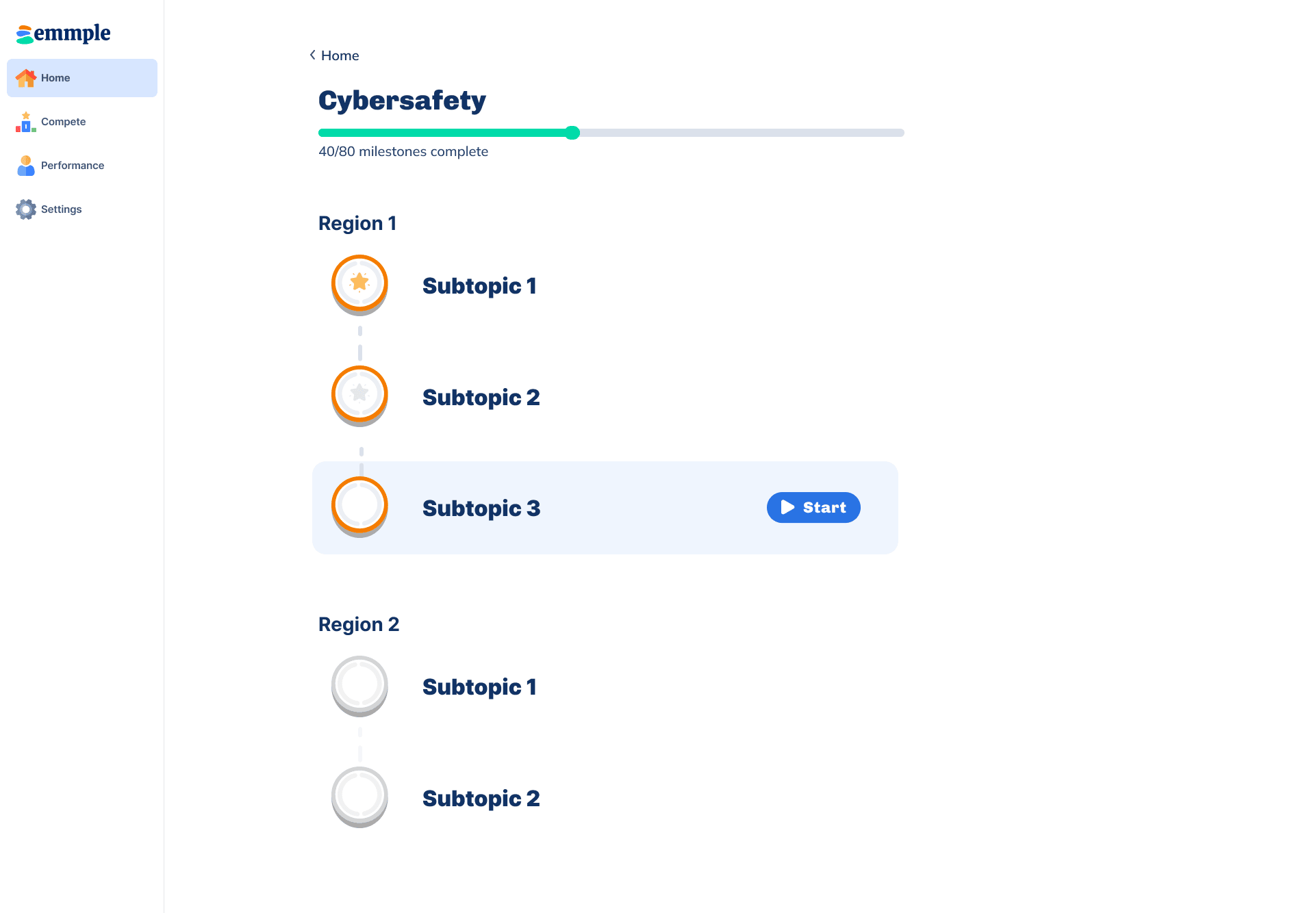
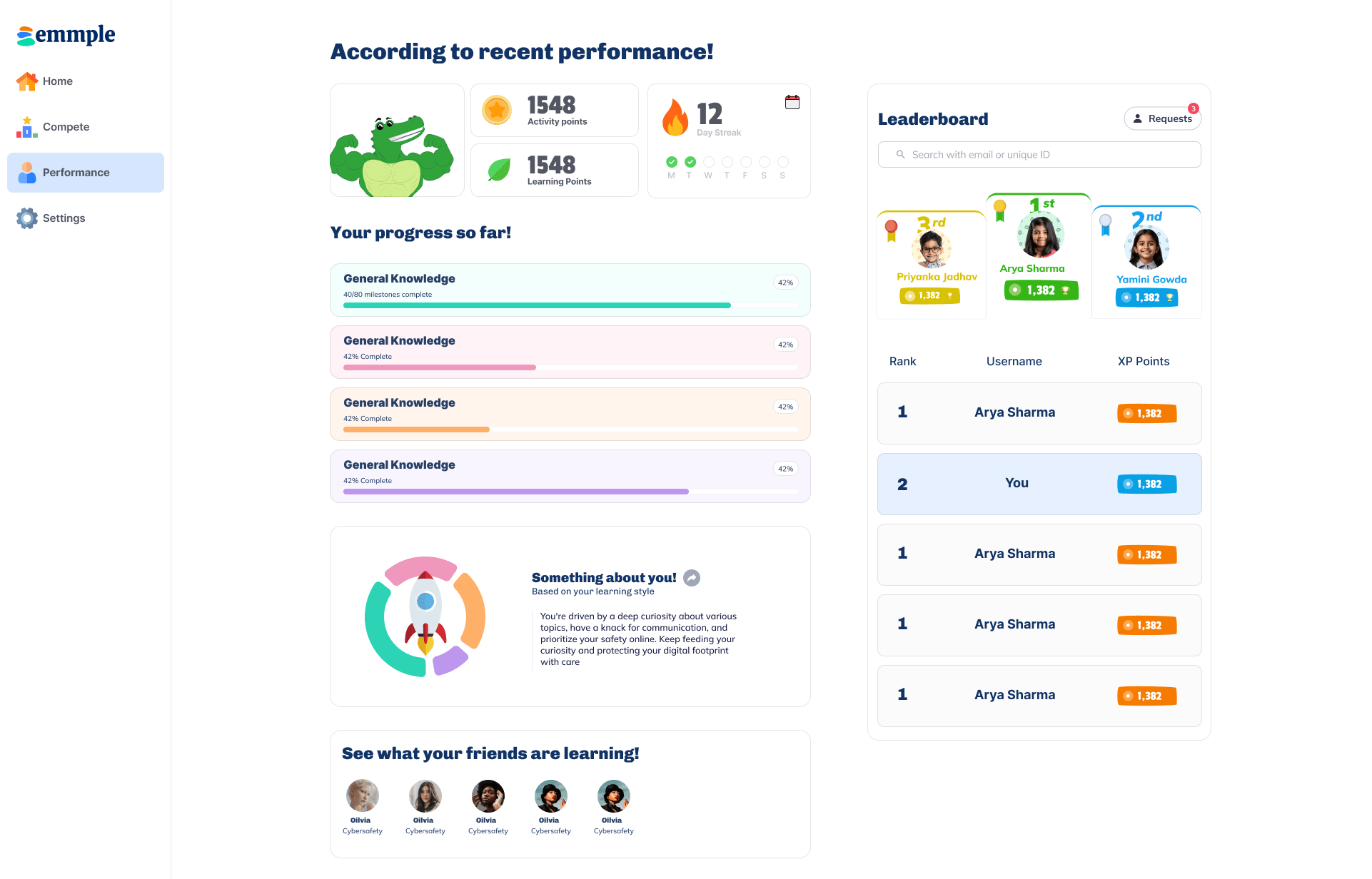
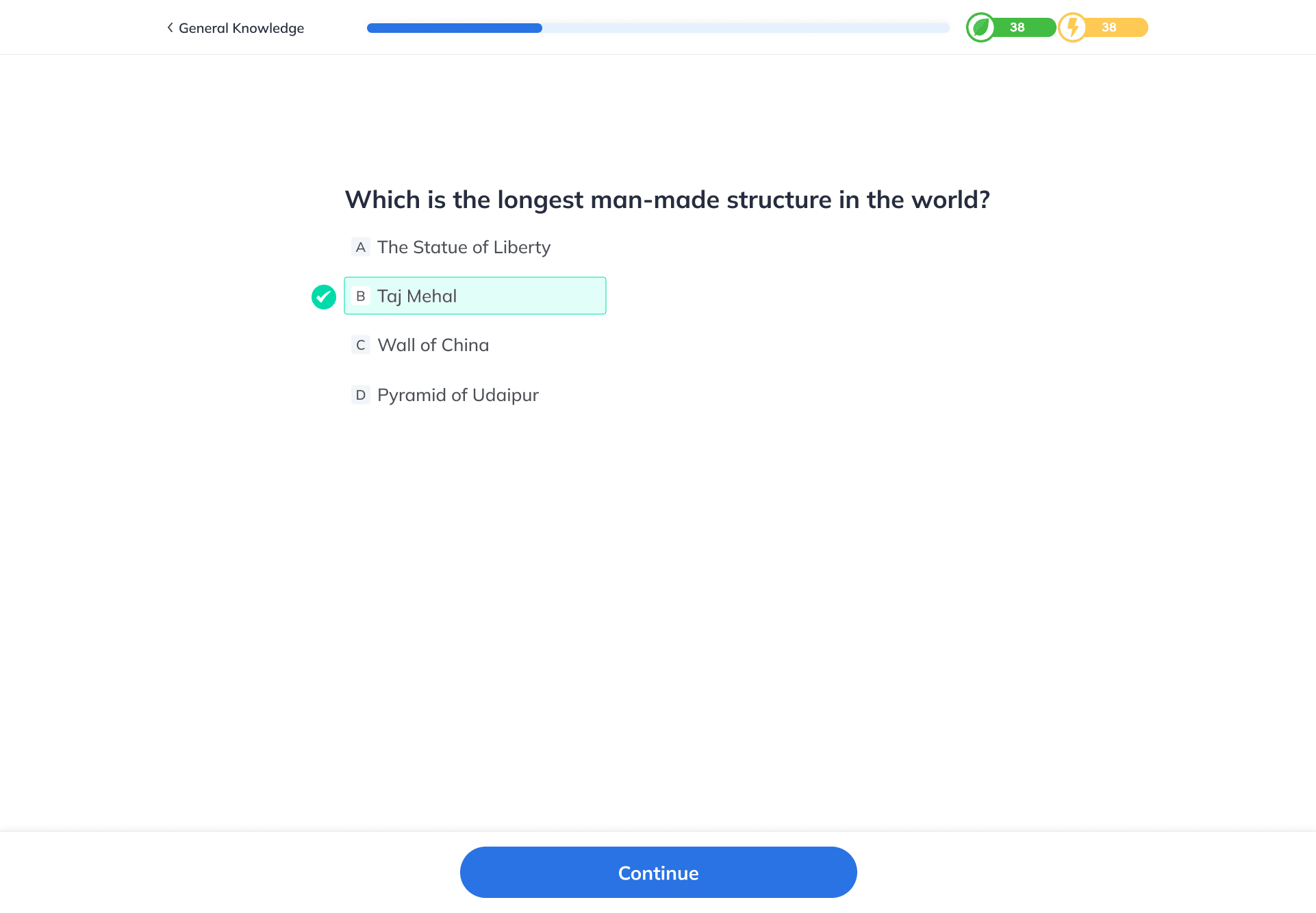
Modern Learning Platform Interface
Due to an established design system, we were able to deliver new versions quickly
Home Screen
Main dashboard of the modern learning platform with subject categories and navigation
Milestones Page
Milestones page for any subject showing progress and course structure
New Performance Page
New performance page showing user progress, achievements, and leaderboard
Question Interface
Interactive question and learning interface for educational content
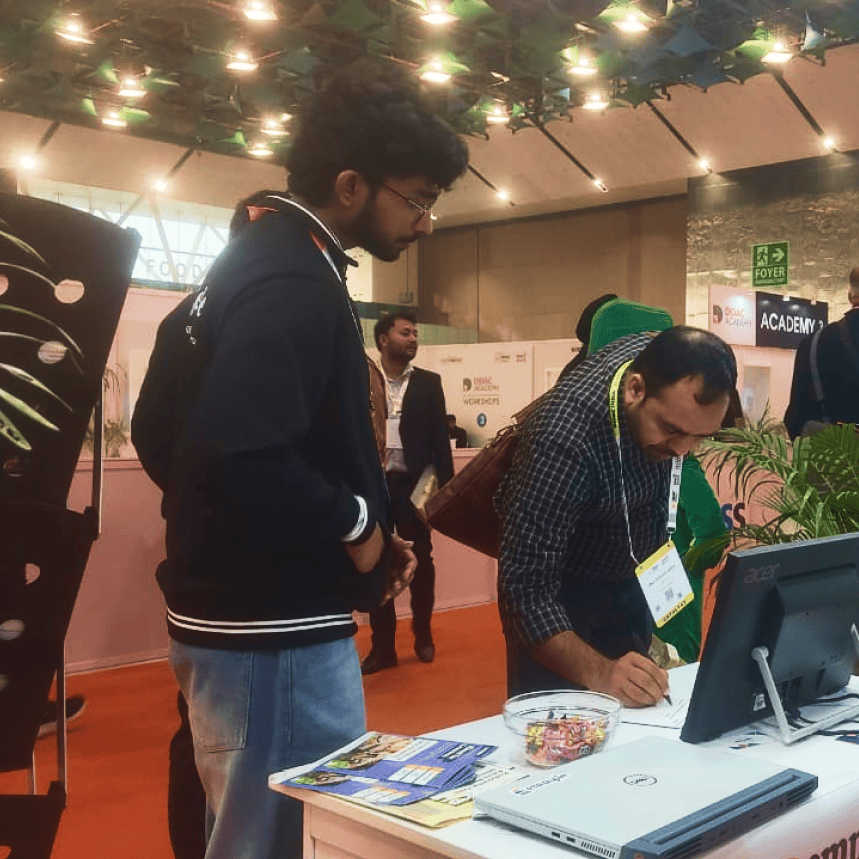
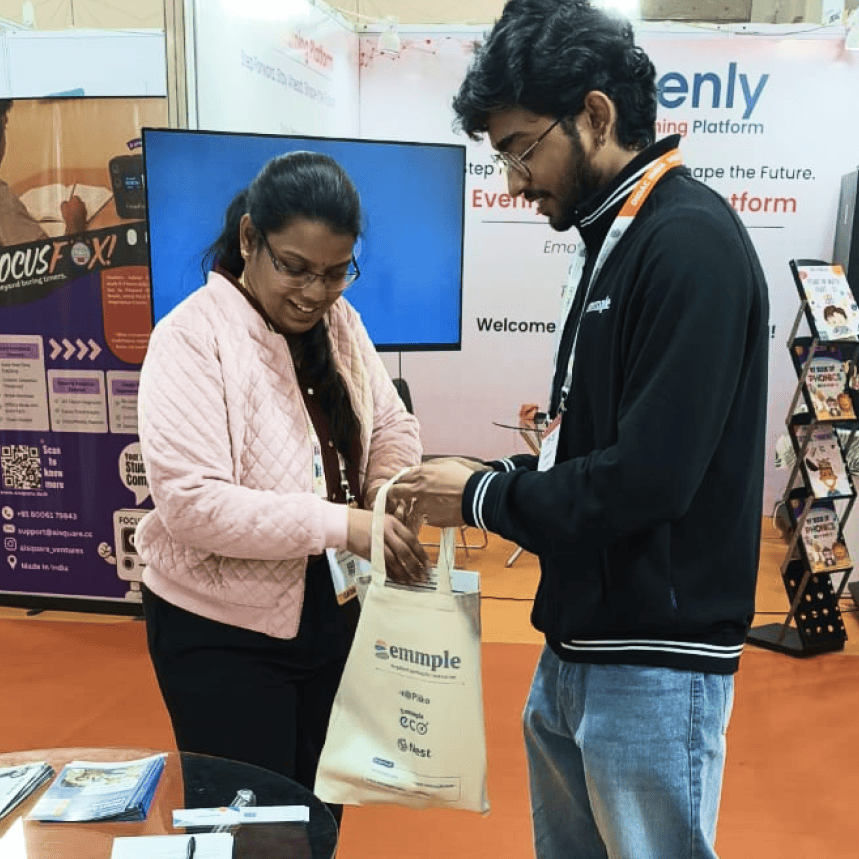
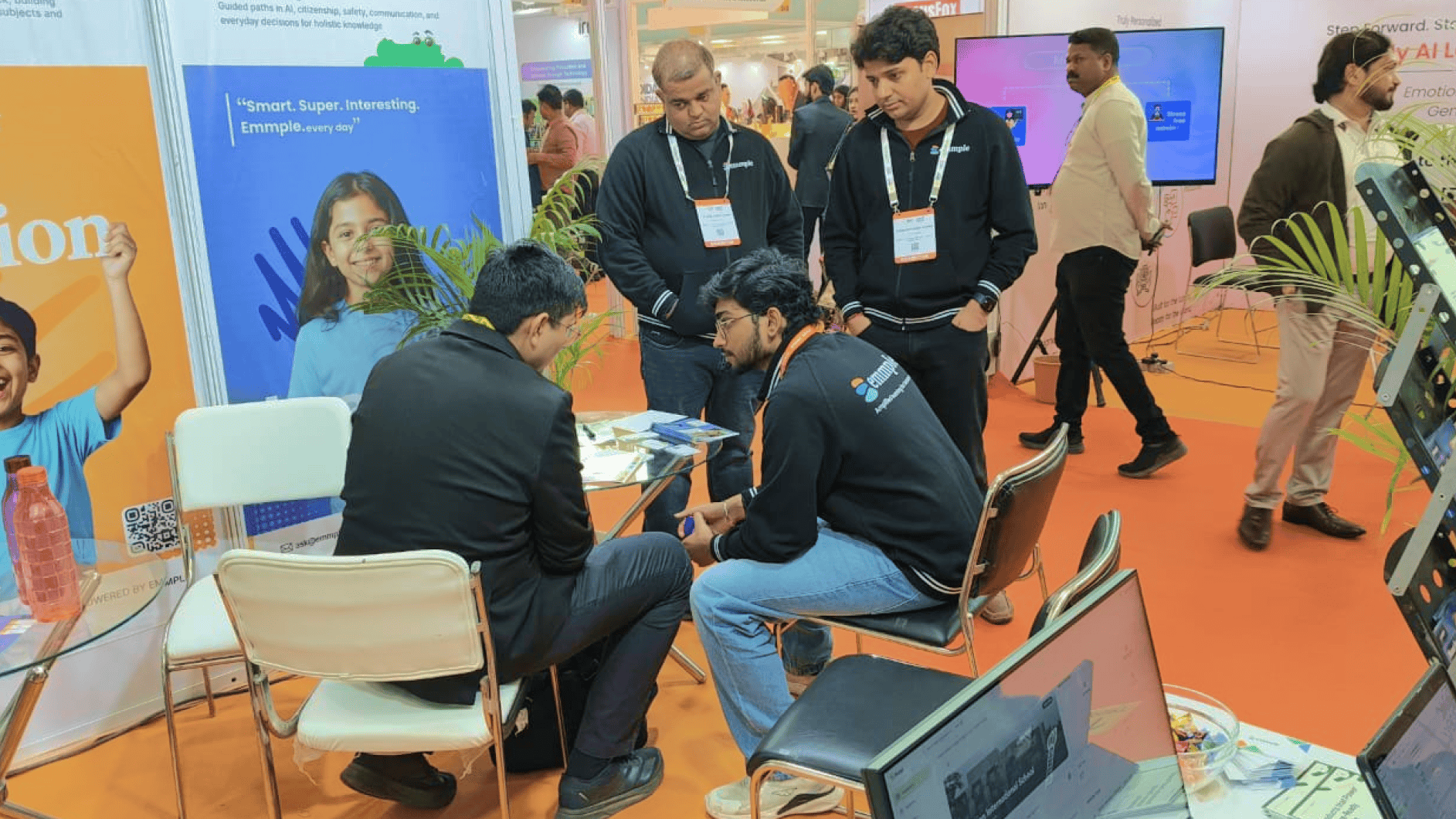
After the final iteration, we successfully presented this at Asia's biggest event for educators at DIDAC 2025, validating our product and generating interest from schools, educators, and stakeholders.

Launching Olympiads
To boost adoption and make the offering easy for schools to integrate, Olympiads were introduced as a familiar competition format aligned with existing school practices.
Design work included:
- Researching how schools run Olympiads to minimize friction in adoption.
- Designing intuitive flows for registration, testing, and result tracking.
- Building leaderboards and dashboards to engage students and simplify school management.
Olympiads became a scalable way to reach more students and establish credibility with schools.
Outcomes & Product-Market Fit
Average session time increased 6x, from ~5 minutes to ~30 minutes, indicating stronger engagement.
Retention stabilized at ~45%, reflecting consistent, repeated use.
Over 1,000 students onboarded, growing from 1 to 5+ school partnerships within 3 months.
Average design-to-release time dropped from 1 month → 2–3 weeks, improving responsiveness to feedback.
Successfully achieved product-market fit by aligning high engagement among children with real value recognized by parents and schools.
Conclusion & Key Learnings
- Early success in engaging kids wasn't enough—true product-market fit required understanding what parents and schools valued.
- Testing in real environments and collecting honest feedback was key to identifying gaps.
- A strong, adaptable design system allowed the platform to pivot quickly.
- Strategic subject expansion and Olympiads turned Typezap into a sustainable, scalable educational product.
- Consistent visual identity, including Leorio, helped build trust and brand recognition among kids and parents.
Explore More Projects
Check out some of my other work
Let's Create Something
Extraordinary
I'd love to hear from you. Whether you want to connect, collaborate, or just say hello—feel free to reach out.